
Try a New Hairstyle Before You Commit With L’Oréal Style My Hair
Have you ever left the salon wishing you had picked a different color or cut? A new hairstyle can change how you feel, but it can feel like a gamble. A virtual try-on lets you preview a look on your own photo before you book, so you walk in with a clearer idea.
In this guide, we look at one tool for that job: L’Oréal Style My Hair — what it does, how to use it, and where its preview has limits. Think of it as a helpful rehearsal, not a promise.

What Is Style My Hair?
Style My Hair is a virtual hairstyle try-on app from L’Oréal Professionnel. It uses your photo or phone camera to show how different hair colors and styles might look on you. Instead of guessing from a magazine picture of someone else, you see the look on your own face shape and features.
You can explore shades, from soft, natural tones to bolder colors, and try cuts for everyday life or a special occasion — a safe way to experiment before a small refresh or a big change.
How the Virtual Try-On Works
You start with a clear photo, or your live camera, and the app maps the hairstyle onto your image. It follows your head shape and hairline, so the style sits naturally rather than floating on top of the picture.
You can then switch between colors and styles to compare them. A warm copper, a cool blonde, a deep brown, or a shorter bob can look very different on the same person. Good lighting and a front-facing photo give the most useful preview, because shadows and side angles can change how a color appears.

Key Features and Benefits
The biggest benefit is confidence. Trying a look at home takes away the pressure of deciding in the salon chair. You can save looks you like, show a friend, or take them to your stylist as a starting point.
Another benefit is variety. You can test a color you would never try blind, or compare a long layered cut with a short style, without cutting a single strand.
The app also helps with communication. Saying “a little lighter” can mean different things to different people, but a saved preview gives your stylist a visual reference.
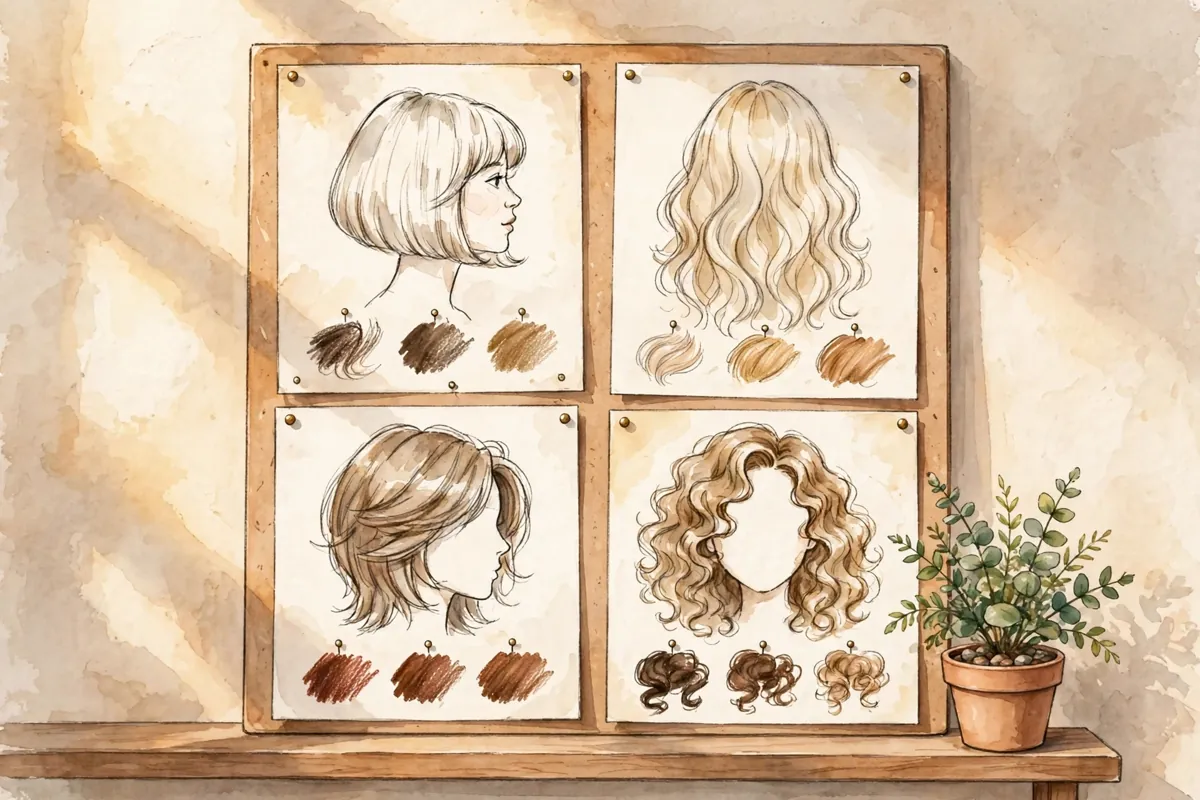
How to Use Style My Hair Step by Step
Getting started is straightforward. Follow these steps for the clearest preview:
-
Download the app from your phone’s app store. Availability can vary by region and device, so check your own app store first.
-
Take or choose a photo. Use a front-facing photo in bright, even light, with hair pulled back from your face if possible.
-
Pick a style or color and tap it to see it on your photo.
-
Compare a few options, not just one, so you can see what truly suits you.
-
Save your favorites and note what you liked about each one.
-
Show your stylist and talk through adjustments together at your appointment.
Take your time. Look at each preview in daylight, and ask someone you trust for a second opinion.
A Real Practical Example
Imagine Maya, who has long dark brown hair and has wanted warm copper highlights for months. She loves the idea, but worries the color might look too bright for work.
Before booking, she tries a few copper shades in the app. One looks too orange in bright light, but a softer, deeper copper feels warm without being loud. She also tries a shorter layered cut and realizes she prefers keeping her length.
At the salon, Maya shows her saved preview and asks for the softer copper, not the brightest version. Her stylist can then talk about reaching that tone from her starting color. This is a generic example, not a real person’s story, but it shows the value of a try-on: fewer surprises and a clearer conversation.

Pros and Limitations
Pros: It is free to download and use for try-on, easy to use, and great for comparing colors and styles before a salon visit. It helps you communicate with your stylist and reduces the fear of a big change.
Limitations: A virtual preview is an estimate, not a guarantee. Real color results vary with your starting shade, hair history, previous treatments, and lighting. A shade that looks soft on screen may need more than one salon visit, or may look different on your hair texture.
The app is also built around L’Oréal Professionnel shades, so its range reflects that brand’s colors rather than every color on the market. Your stylist may suggest a close match, not the exact shade from the app.
Free Plan and Pricing
The app itself is free to download and use for virtual try-on. You do not need to pay to preview hairstyles and colors in the app, and no subscription price is claimed here.
Salon services, color products, and treatments are separate and cost extra, depending on your salon and location — always ask for a quote first.
Frequently Asked Questions
Does Style My Hair show my exact future hair color?
No. It is a helpful preview, but real results depend on your starting shade, hair history, and lighting. Ask your stylist what is realistic for your hair.
Do I need a salon visit to use it?
No. You can try looks at home on your own photo. A salon visit is only needed when you decide to get the color or cut done for real.
Can I try both colors and cuts?
Yes. You can compare a new shade, a new length, or both together before you decide.
Is the app available everywhere?
Availability can vary by region and device. Check your phone’s app store for the version offered in your area.
Should I still talk to my stylist?
Yes. A preview is a starting point, but your stylist can judge your hair condition and suggest the closest achievable shade.
Conclusion
Style My Hair takes some guesswork out of changing your hairstyle. It lets you preview colors and cuts on your own photo, compare options calmly at home, and arrive at the salon with a clear reference in hand.
Just remember its limit: the screen shows a preview, not a promise. Use it to explore, save what you love, and let a professional turn that favorite look into a real result.
For more everyday hair inspiration, see our guide to easy hairstyles for long hair.