
Try a New Makeup Look Before You Buy It With YouCam Makeup
Try a New Makeup Look Before You Buy It With YouCam Makeup
Introduction
Have you ever bought a lipstick that looked perfect in the store, only to feel unsure about it at home? Choosing a new shade can feel risky, especially when you are trying something bold for the first time. A virtual makeup try-on can take some of that guesswork away.
YouCam Makeup lets you preview makeup on your own face, using your phone camera or a photo. You can test lip colors, blush, foundation shades, and full looks in seconds, without opening a single product. This guide explains how it works, what it does well, where it has limits, and how to use it before you buy.
What Is YouCam Makeup?
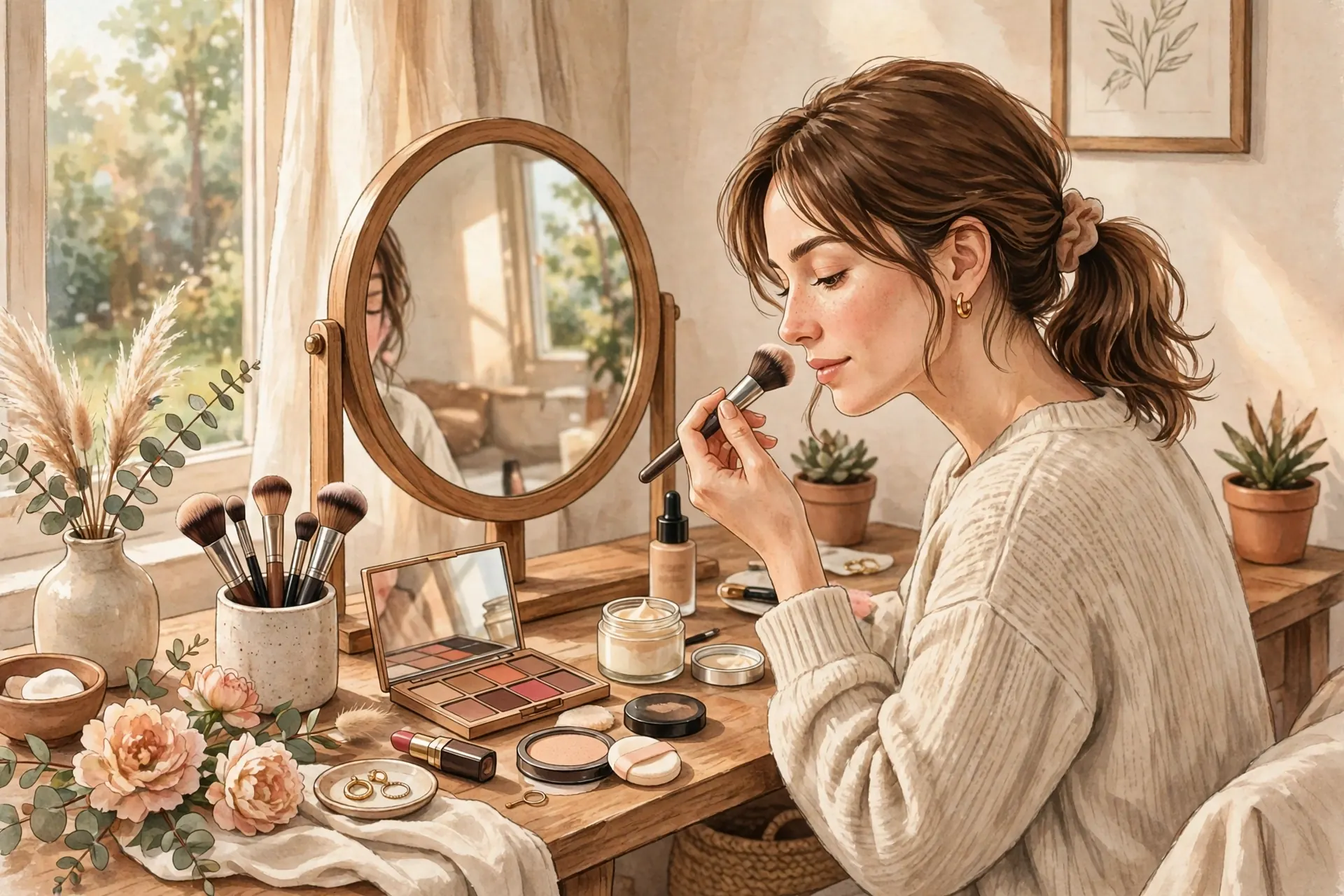
YouCam Makeup, made by Perfect Corp., is a beauty app built around virtual makeup try-on. Instead of guessing how a shade might look, you see a preview on your face in real time. The app follows your facial features as you move, so lipstick stays on your lips and blush stays on your cheeks.
You can use it two ways. With the live camera, you point your phone at your face and try looks instantly. With a photo, you upload a clear, front-facing picture and apply makeup to that image instead. The photo option is useful when you want to compare looks slowly, without holding your phone up.
The app covers lipstick, lip gloss, blush, foundation, eyeshadow, eyeliner, and eyebrow styles, plus ready-made full looks.
Key Features and Benefits
The biggest benefit is simple: you can experiment without commitment. A bold red lip, a soft peach blush, or a smoky eye can feel very different on your own face than on a model. A preview helps you notice what suits you, what feels too strong, and what you would actually wear again.
- Live virtual try-on: See makeup move with your face in real time.
- Photo try-on: Test looks on a saved photo for careful comparison.
- Shade exploration: Browse many lip, cheek, and eye shades quickly, without buying several products first.
- Full looks: Try complete styles for everyday wear, work, or a night out.
- Easy comparison: Switch shades back and forth to see small differences that matter.
A preview can also build confidence. It may show you that a slightly deeper tone still looks natural on you, or save you from buying a shade that looks lovely in packaging but feels wrong on your skin.

How to Use YouCam Makeup Step by Step
- Download the app from your phone’s app store and open it.
- Choose live camera or photo. Use live camera for instant testing, or a clear front-facing photo for careful comparison.
- Pick one category. Start with lips or cheeks, so changes are easy to judge.
- Try a few shades. Test a shade you love, one lighter option, and one deeper option.
- Check in good light. Move near a window or bright, even light and look from different angles.
- Try a full look. Once you like single products, test a complete daytime or evening look.
- Save your favorites and compare your top two or three options before buying.
Tip: start with a clean, makeup-free face or a light base. Heavy makeup underneath can change how a virtual shade appears.

A Real Practical Example
Imagine you want to try a bold lip color for a dinner out, but you normally wear soft, neutral shades. In the store, a deep berry lipstick looks striking. At home, though, you wonder if it will feel too strong with the rest of your makeup.
With a virtual try-on, you can test that berry shade first, then a softer rose, then a classic red. You might find the berry looks beautiful with light blush and simple eye makeup, but too heavy with a strong eye look. That quick comparison helps you plan the whole look, not just one product.
Now think about a soft everyday look for work or errands. Test a sheer lip color, a light blush, and a natural brow shape, then check whether the result still looks like you, just a little more polished.
Pros and Limitations
Pros: Fast, fun testing without buying; helpful for bold looks before a special occasion; useful for comparing similar shades; and a good starting point for beginners who feel unsure about makeup.
Limitations: A virtual preview is not a guarantee. Lighting, camera quality, and skin tone can change how a shade looks in real life. Texture, finish, and wear time also cannot be fully judged on screen. Some palettes, looks, and features are Premium-only, and poor lighting can make shades look warmer, cooler, or darker than they really are.
The honest way to use the app is as a shortlist tool. Let it narrow your options to two or three shades you truly like, then test those in person when you can, especially for foundation, where an exact skin-tone match matters most.
Free Plan and Pricing
YouCam Makeup is free to download, and it includes free content you can try right away. A Premium upgrade unlocks more palettes, looks, and features.
Exact Premium pricing can vary by region and may change over time, so this guide does not list a fixed price. Check the current price and trial terms on your app store listing before subscribing.
Frequently Asked Questions
Is YouCam Makeup free?
Yes, it is free to download with free content included. Some palettes and features require a Premium upgrade.
Can I use it with a photo instead of the live camera?
Yes. You can test looks on a clear, front-facing photo, which is useful for slow, careful comparison.
Will the shade look exactly the same in real life?
Not always. A virtual preview is a helpful guide, but lighting and skin tone can change how a shade looks once applied. Use it to shortlist favorites, then test in person when possible.
Is it good for beginners?
Yes. Beginners can test one category at a time, compare shades, and build confidence before buying new products.
Conclusion
YouCam Makeup makes trying new makeup feel easier and less risky. It lets you preview lip colors, blush, foundation shades, and full looks on your own face, compare options, and walk into a store with a clearer idea of what you want.
Just remember its role: it is a preview, not a promise. Use it to narrow your choices, then test a standout shade in real life before making it your new favorite. For a simple routine to practice with after previewing looks, see our easy everyday makeup tutorial for beginners.