
15 Best Smart Home Gadgets That Make Everyday Life Easier
15 Best Smart Home Gadgets That Make Everyday Life Easier
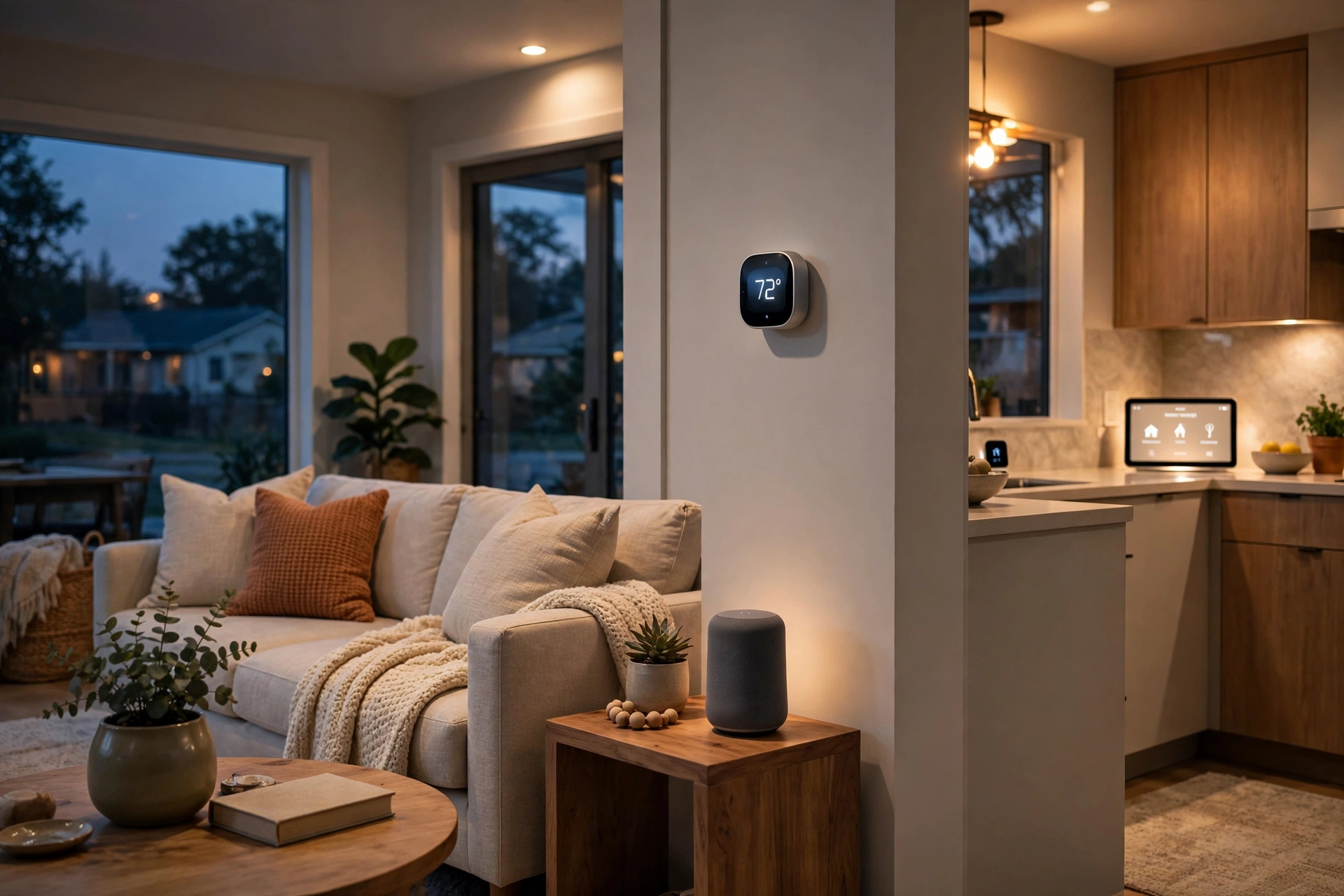
Table of Contents
- Introduction
- 1. Smart Speaker Hub
- 2. Smart Thermostat
- 3. Smart Lighting System
- 4. Video Doorbell
- 5. Smart Lock
- 6. Indoor and Outdoor Security Camera
- 7. Robot Vacuum and Mop
- 8. Smart Plug
- 9. Mesh Wi-Fi System
- 10. Smart Display
- 11. Smart Leak Detector
- 12. Smart Smoke and Carbon Monoxide Alarm
- 13. Smart Blinds and Shades
- 14. Smart Sprinkler Controller
- 15. Smart Kitchen Helper
- Helpful Tips
- Frequently Asked Questions
- Conclusion
Introduction
A smart home does not have to mean a house full of screens and complicated setup. For most people, it starts with one small annoyance: fumbling for keys in the dark, wondering whether the front door is locked, or getting up to adjust the thermostat again. The gadgets in this guide solve those ordinary problems, quietly and in the background.
Start with the job you want done, not the device that looks most impressive in a store. A lamp that turns on at sunset, a door that locks itself behind you, and a vacuum that runs while you are at work will change your routine far more than gadgets you rarely open an app to use. If you are also comparing general tech, our guide to 15 Best Tech Gadgets to Buy in 2026: Smart Devices Worth the Money shows where smart-home gear fits alongside other everyday tech.
Before you buy, check three practical things: compatibility with the voice assistant or platform your household already uses, including support for open standards such as Matter where available; connectivity, since many devices need steady Wi-Fi and some need a hub or a 2.4 GHz network; and costs and privacy, including which features need a subscription and what data the device collects.
1. Smart Speaker Hub
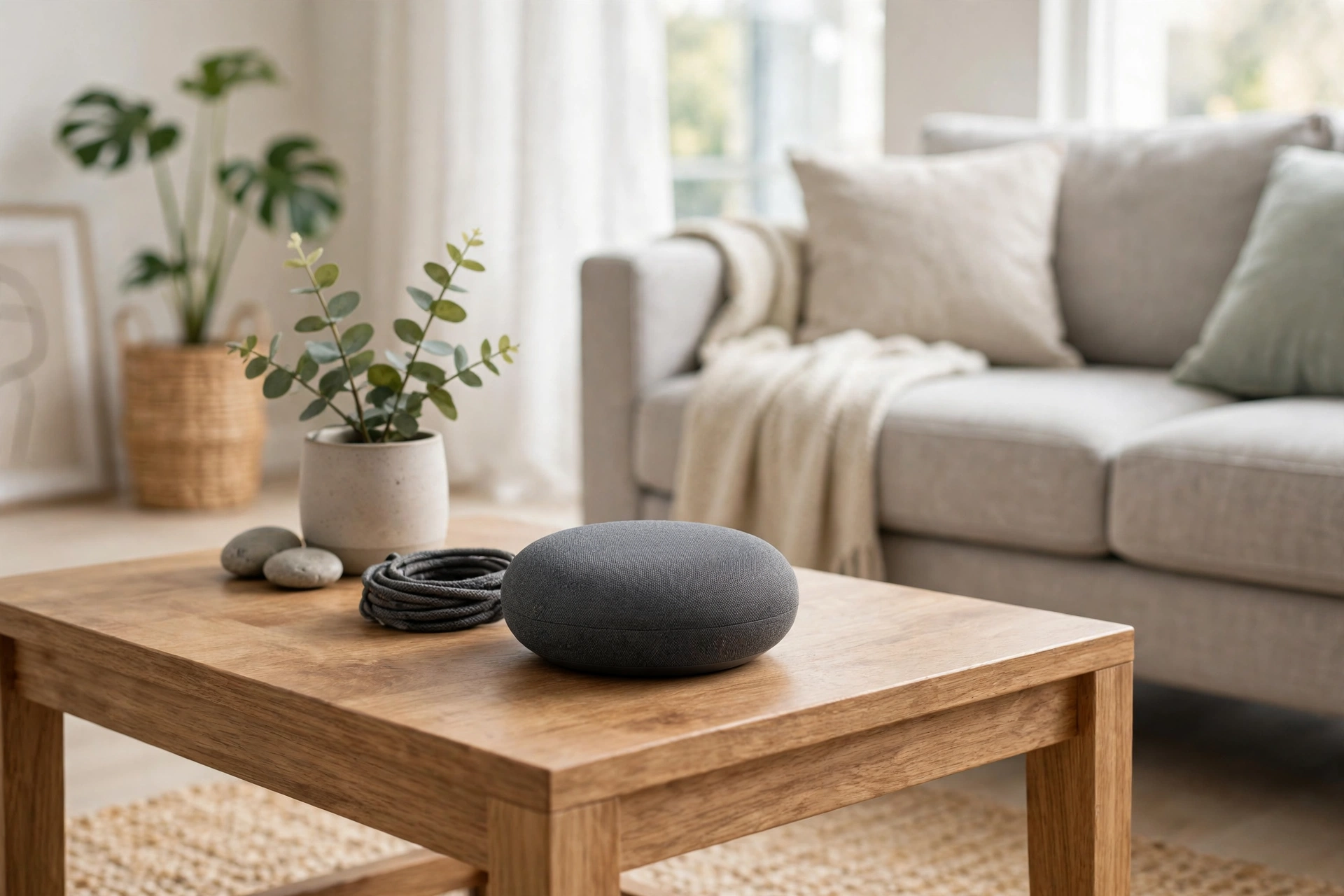
A smart speaker hub gives you one place to control other devices by voice, so you can turn off the lights, set a timer, play music, or check the weather while your hands are full. It suits households that want a simple control point before buying anything else. Check which voice assistant it uses, whether it can act as a hub, and whether it has a physical microphone mute button.
2. Smart Thermostat
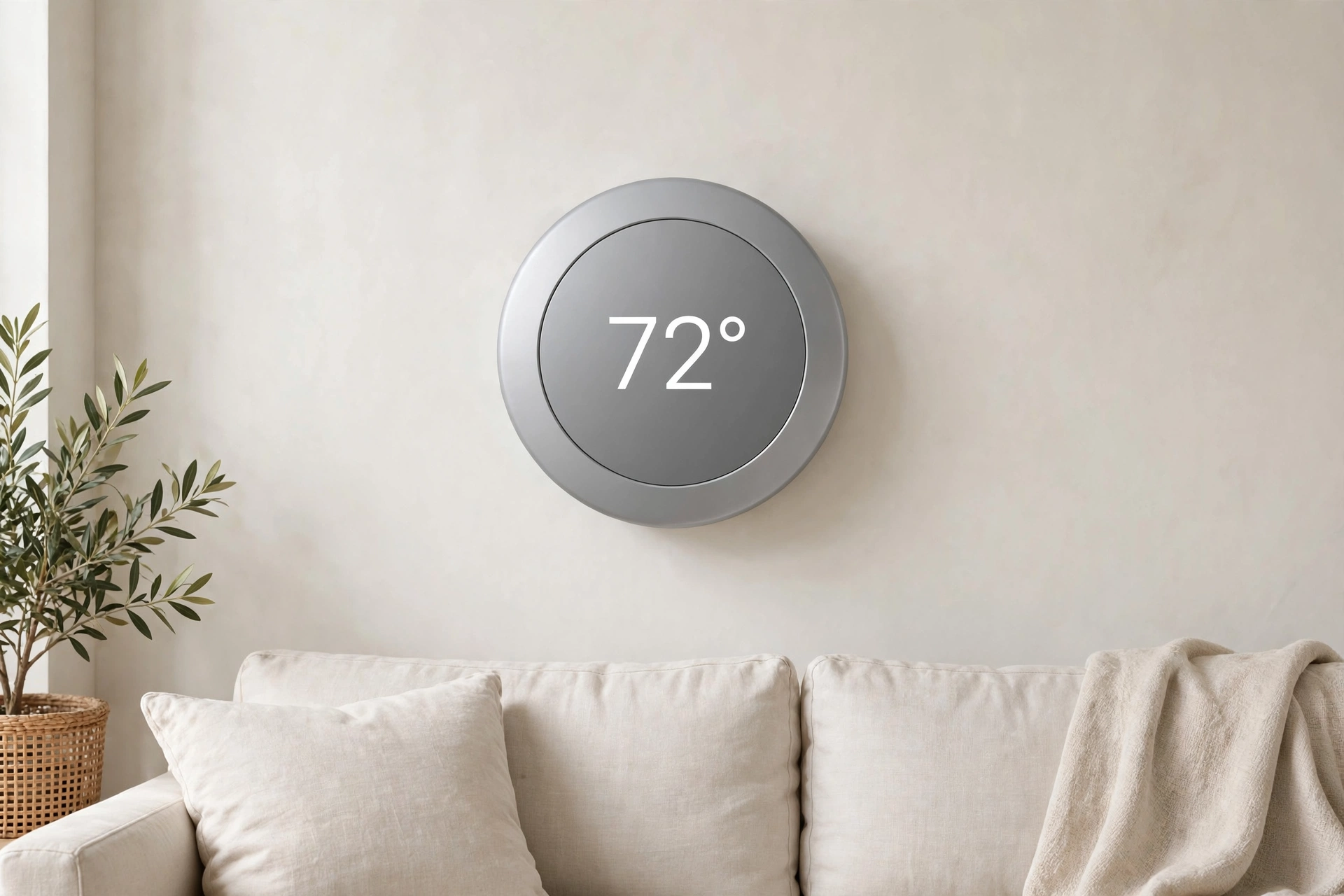
A smart thermostat lets you adjust the temperature from your phone and set a schedule, so you are not heating or cooling an empty house all day. It suits anyone with a fairly regular routine. Before buying, check compatibility with your heating and cooling system and whether your wiring supports the model you are considering; if you are unsure, a qualified installer is worth the call.
3. Smart Lighting System
Smart lighting covers bulbs, switches, and strips you can dim, schedule, or change in color from your phone or by voice. A porch light at sunset, a dim hallway light at bedtime, and a motion-triggered night light are small changes that add up. Smart bulbs suit renters since they usually need no rewiring, while smart switches control the existing fixture. Check that your choice works with your hub or voice assistant.

4. Video Doorbell
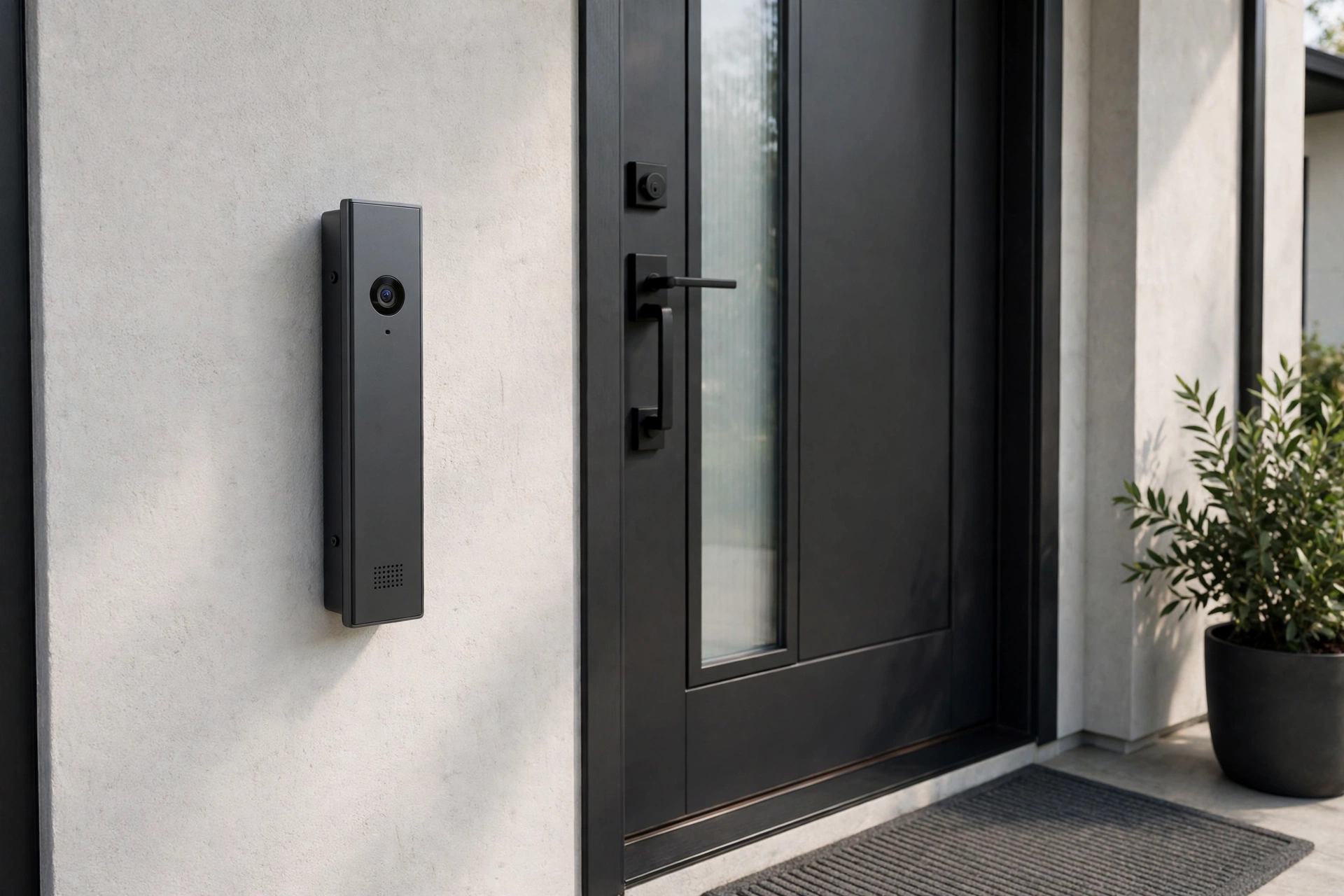
A video doorbell lets you see and speak to whoever is at your door, whether you are in the kitchen or across town. That helps with deliveries and with checking a visitor before you open the door. It suits homes with frequent deliveries or a front door that is hard to see from inside. Check whether video storage needs a subscription, how long clips are kept, and whether it runs on battery or needs wiring.
5. Smart Lock
A smart lock lets you lock and unlock your door with a code, a phone, or a fingerprint, and it can lock itself behind you after a set time. Temporary codes solve a familiar problem: letting in a dog walker or guest without handing over a spare key. Check that the lock fits your door, that it still works with a physical key if the battery dies, and that codes are easy to manage in the app.
6. Indoor and Outdoor Security Camera
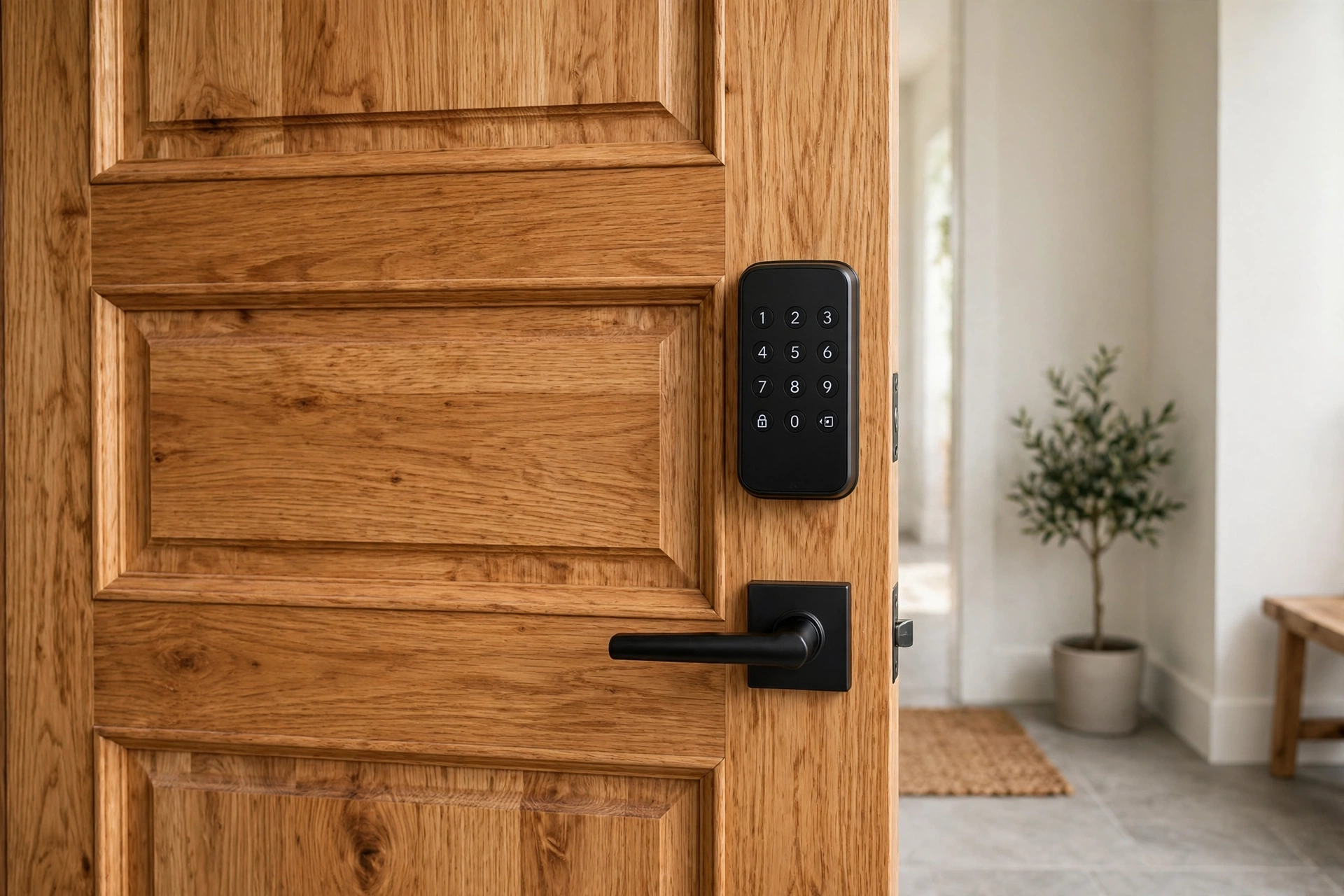
Security cameras let you check on your home, pets, or an elderly relative from your phone. Indoor cameras suit pet owners, while outdoor cameras cover entrances, driveways, and backyards. Before you buy, decide where the camera will point, whether you want local or cloud storage, and whether key features need a subscription. Place cameras thoughtfully, and respect the privacy of people in shared spaces.
7. Robot Vacuum and Mop
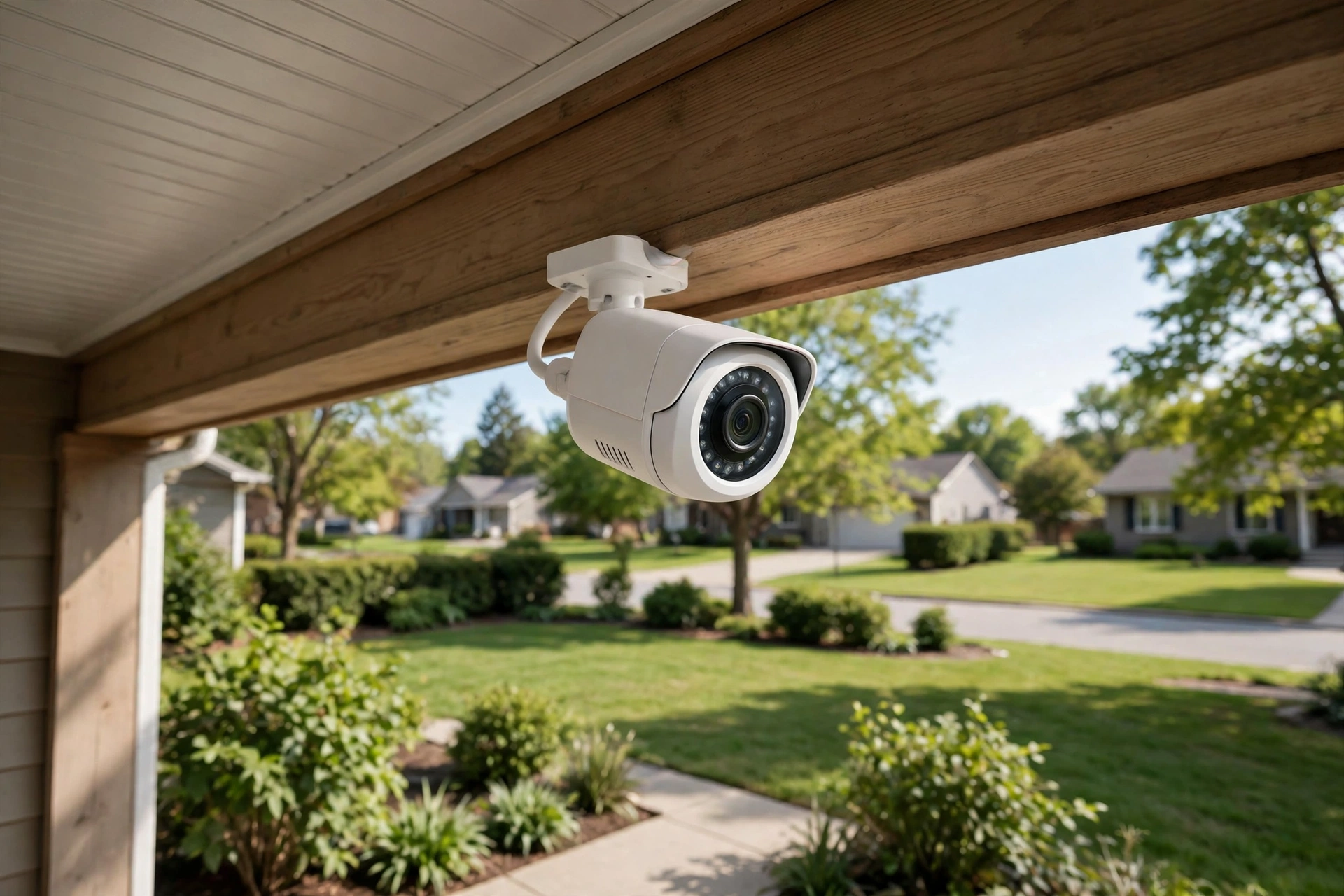
A robot vacuum and mop handles daily floor work: crumbs in the kitchen, dust under the sofa, and pet hair on hard floors. Many models map your home, clean on a schedule, and return to their dock to charge. It suits busy households and pet owners. Check how it handles rugs versus hard floors, whether it avoids cords and small objects, and how often you must empty it or clean its brushes.
8. Smart Plug
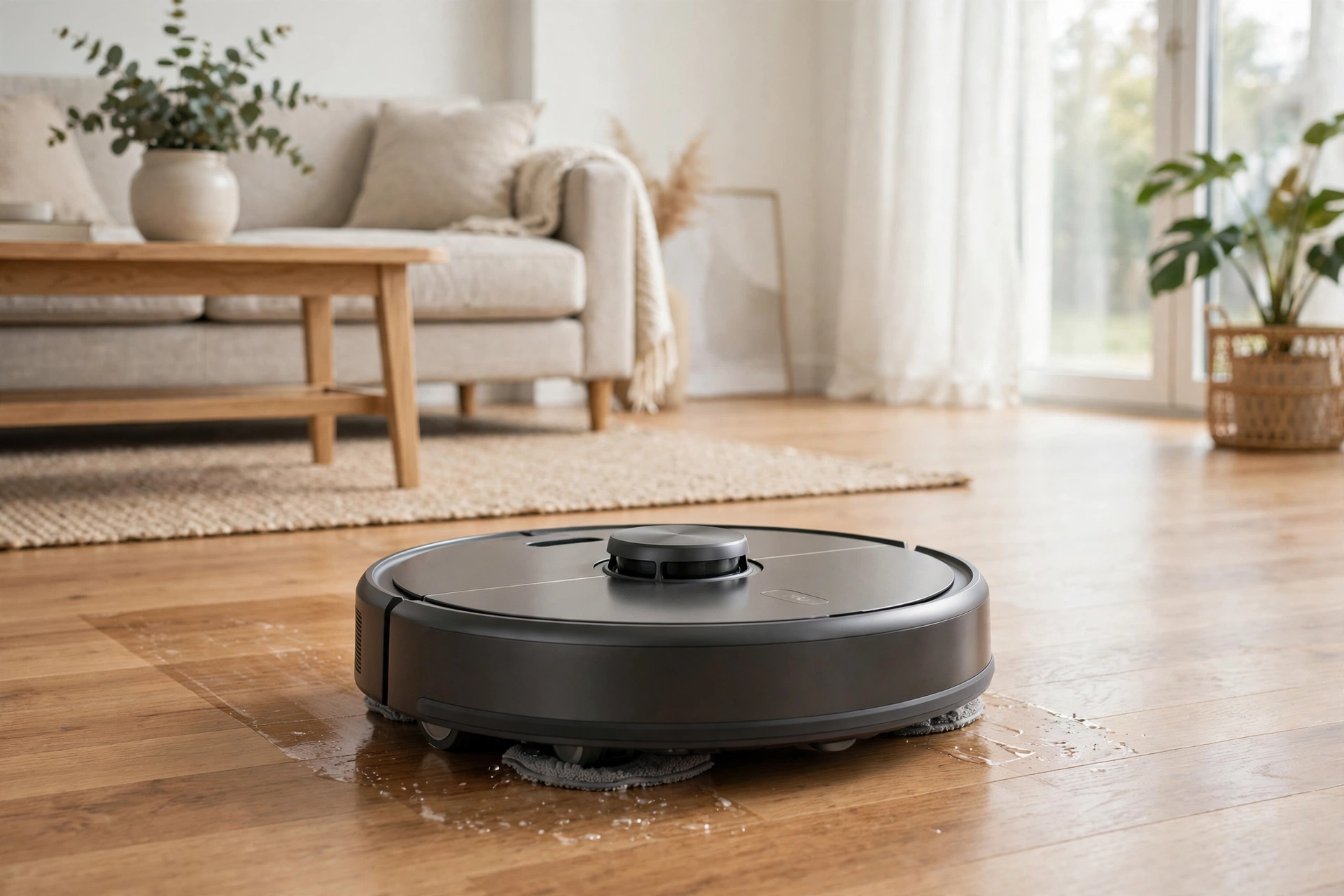
A smart plug turns an ordinary lamp, fan, or coffee maker into a device you can switch on and off from your phone or on a schedule. It is one of the cheapest ways to try smart-home control and a good test of whether you will actually use routines. It suits beginners and renters. Check the plug’s power rating against the appliance, whether it needs a hub, and whether it monitors energy use.
9. Mesh Wi-Fi System
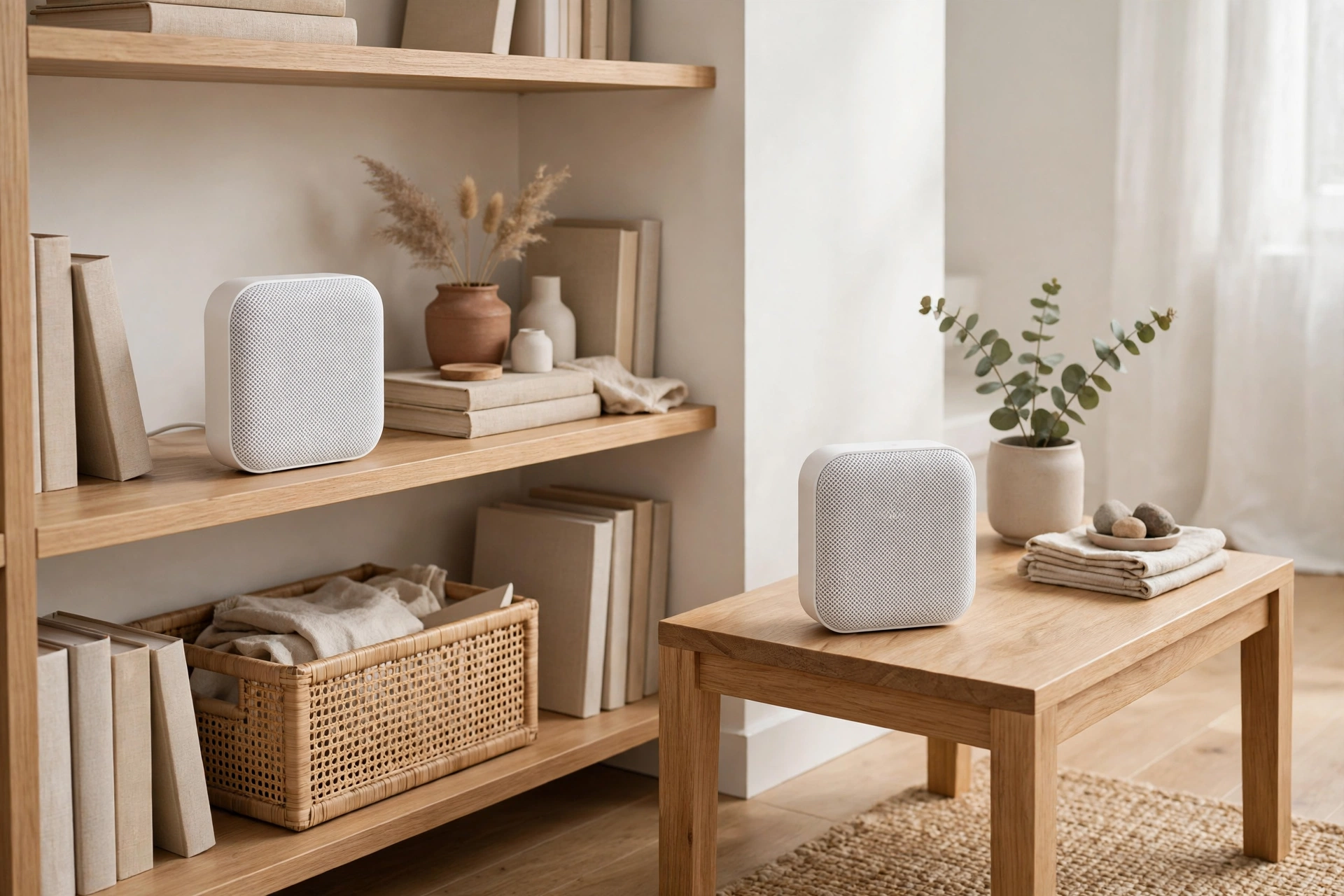
A mesh Wi-Fi system is the foundation everything else depends on. Instead of one router struggling to reach the far bedroom, several small units spread coverage through the house, so speakers, cameras, and doorbells stay connected. It suits larger homes, homes with thick walls, and households with many connected devices. Check coverage for your home’s size and whether the system supports your internet plan’s speeds.
10. Smart Display
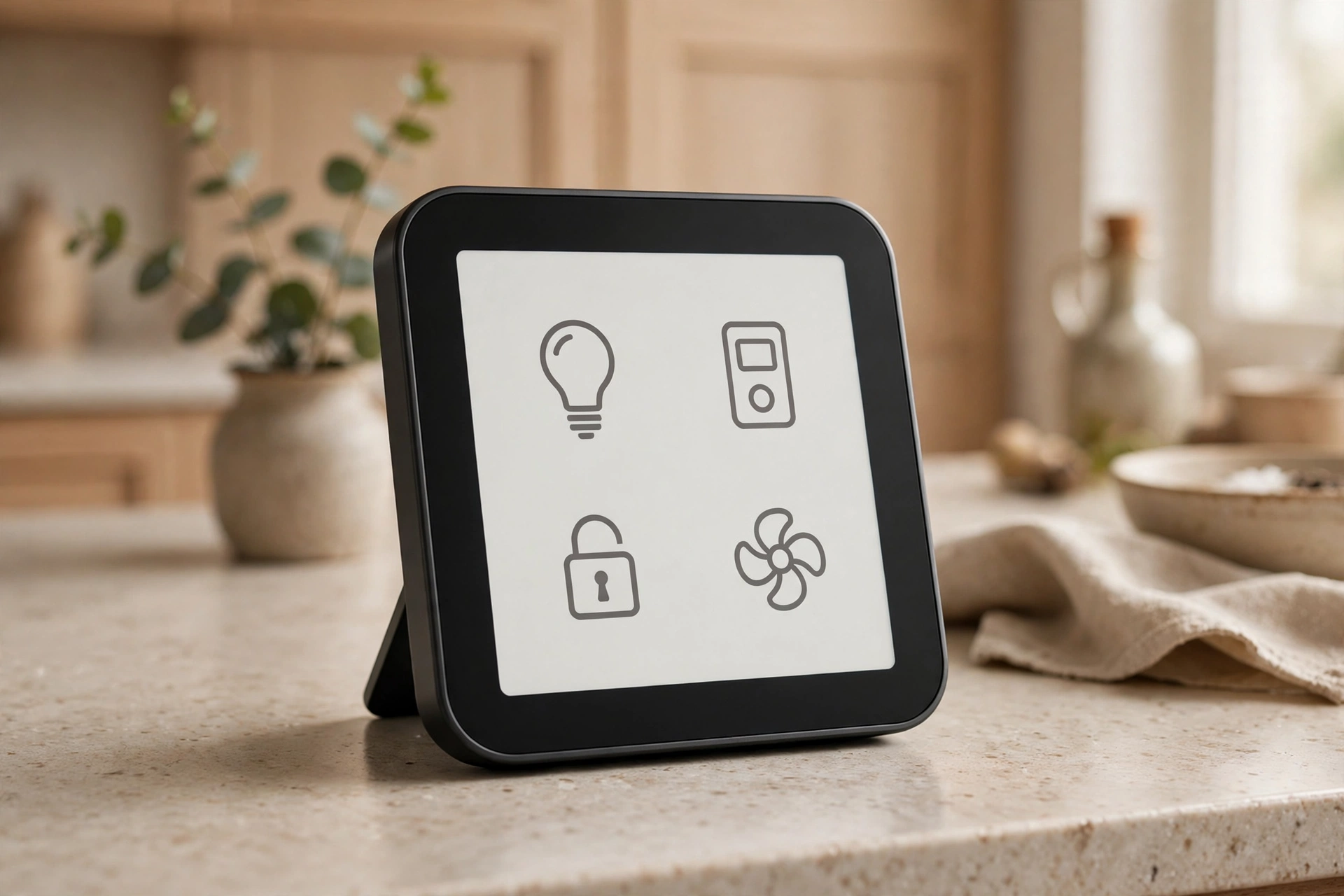
A smart display adds a small screen to a smart speaker, so you can see as well as hear. In a kitchen, you can follow a recipe step by step or take a video call without holding your phone. It suits kitchens and family spaces where hands are often busy. Think about size: a display that is too large dominates a counter, while one that is too small is hard to read. If it has a camera, check for a physical shutter.
11. Smart Leak Detector
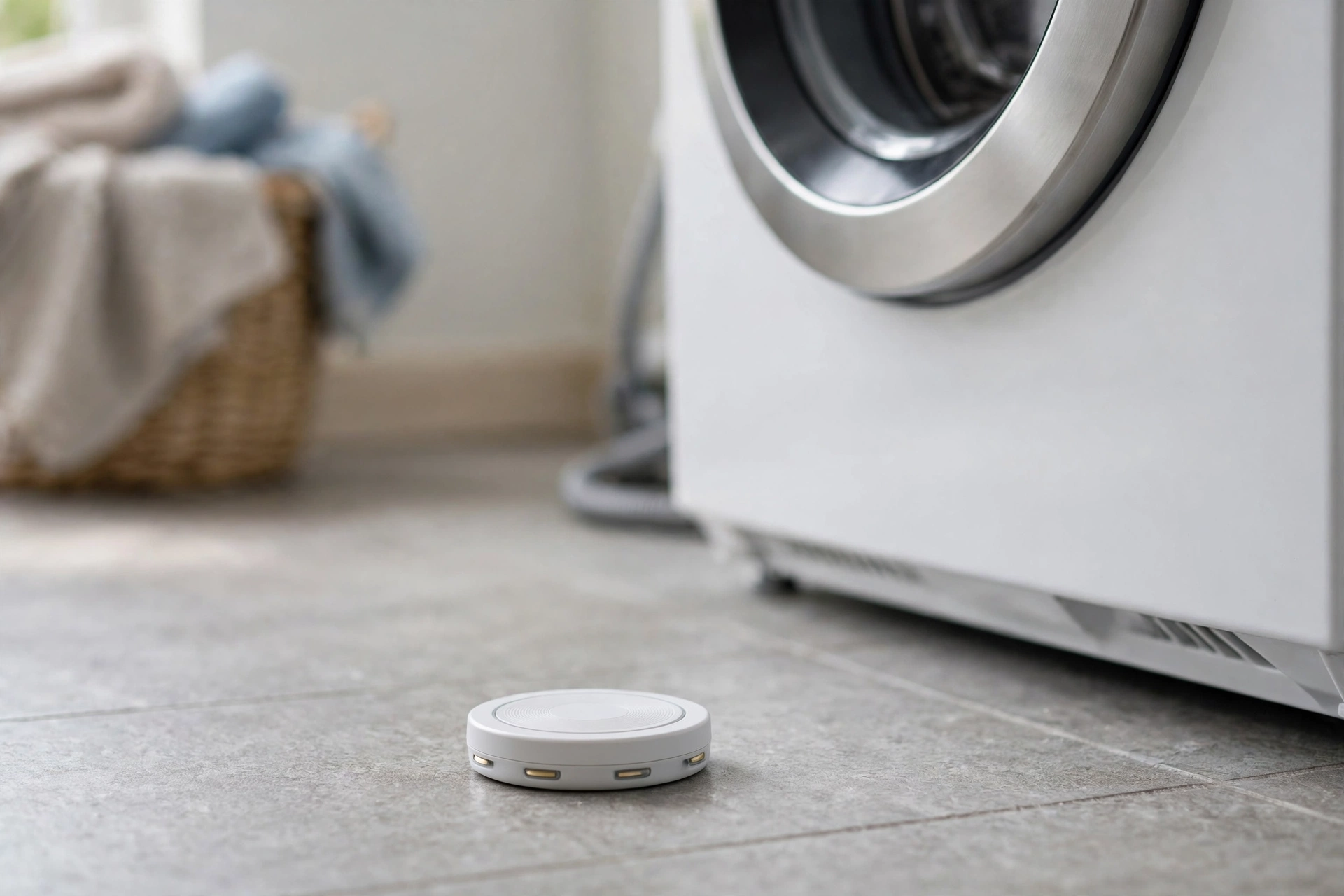
A smart leak detector is a small sensor placed near a water heater, washing machine, dishwasher, or under a sink. If it senses water where it should not be, it alerts your phone, sometimes within minutes. That early warning can be the difference between a damp cloth and a flooded floor. It suits any home, especially one with a basement or an older washing machine. Check whether it needs a hub and how it alerts you if the internet is down.
12. Smart Smoke and Carbon Monoxide Alarm
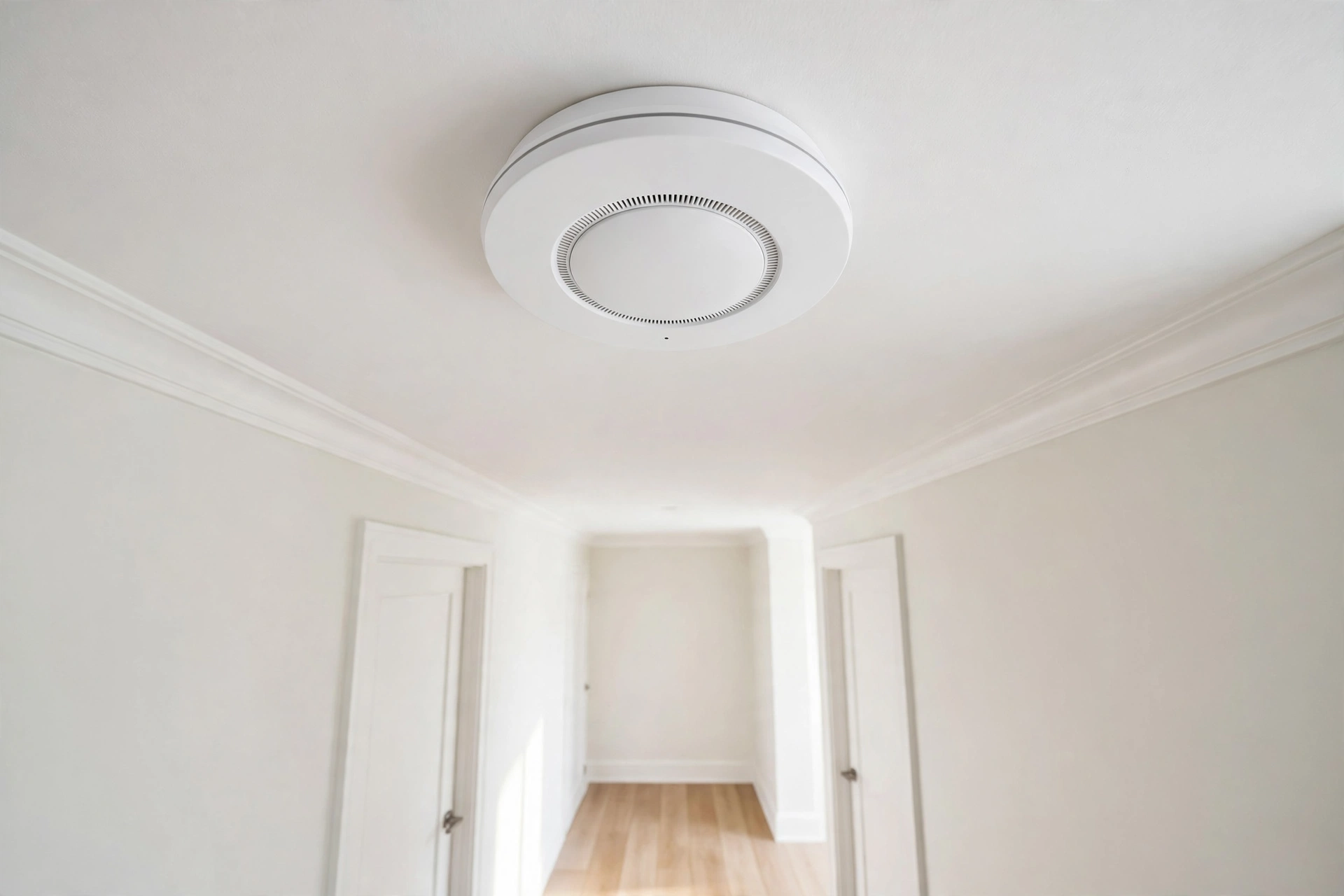
A smart smoke and carbon monoxide alarm does the job of a standard alarm, with one useful addition: it can tell you which room triggered the alert and notify your phone when you are away. It suits every home, and it is worth considering when your existing alarms reach the end of their life. Check how the alarms connect to each other, whether alerts work during an internet outage, and how you will know when a battery needs replacing.
13. Smart Blinds and Shades
Smart blinds and shades open and close on a schedule, by voice, or in response to sunlight. They can let morning light in, close during the hottest part of the day to keep a room cooler, and close at night for privacy. They suit tall windows, skylights, and hard-to-reach windows. Check whether they are battery-powered or wired, how noisy the motor is, and whether they can still be operated by hand if the connection fails.

14. Smart Sprinkler Controller
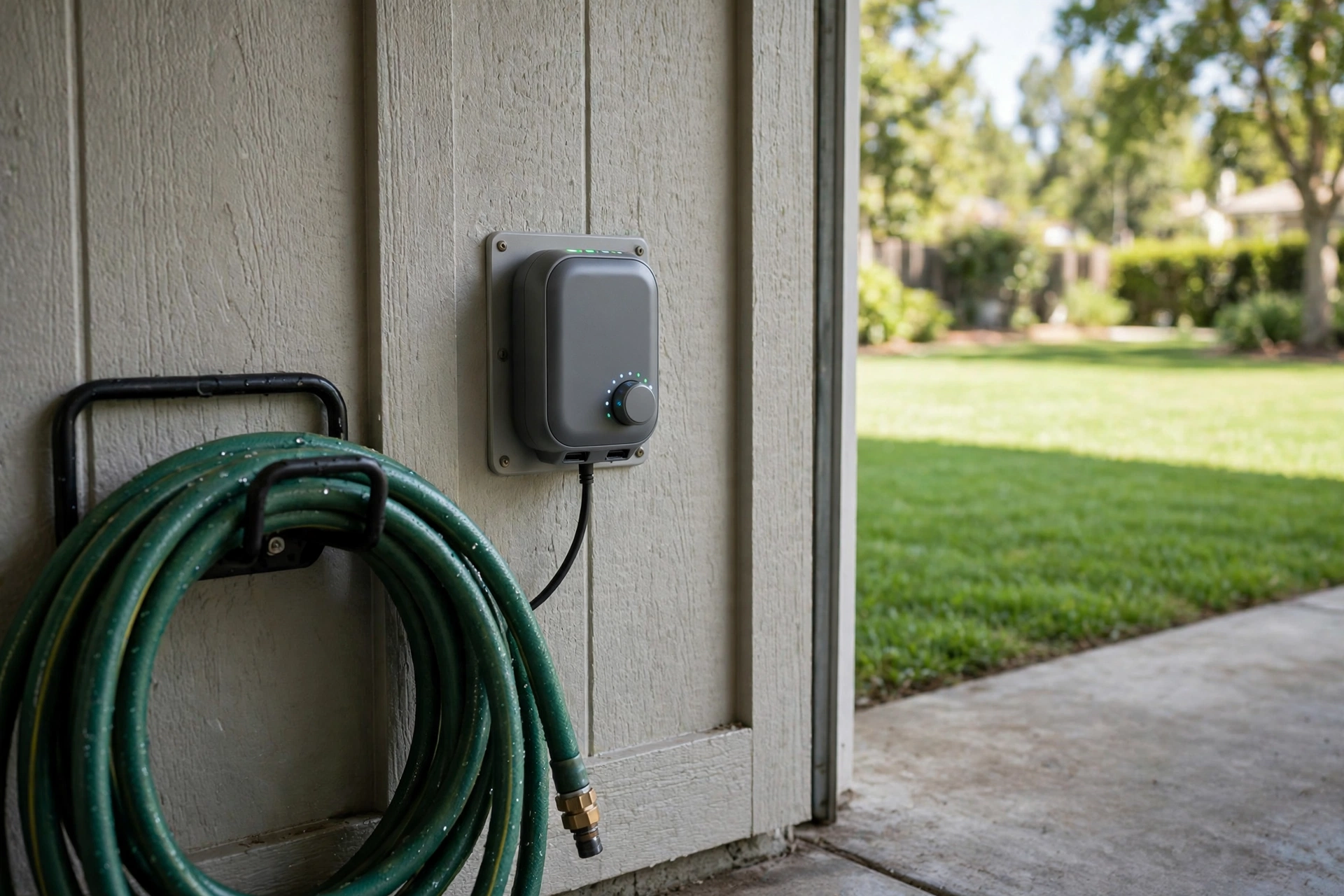
A smart sprinkler controller adjusts your watering schedule based on weather and season, instead of running on a fixed timer whether it rains or not. That can save water and keep a lawn healthier, since overwatering is as harmful as underwatering. It suits homes with a lawn or garden watered regularly. Check that it works with your existing sprinkler wiring and valves, and whether it uses local weather data for your area.
15. Smart Kitchen Helper
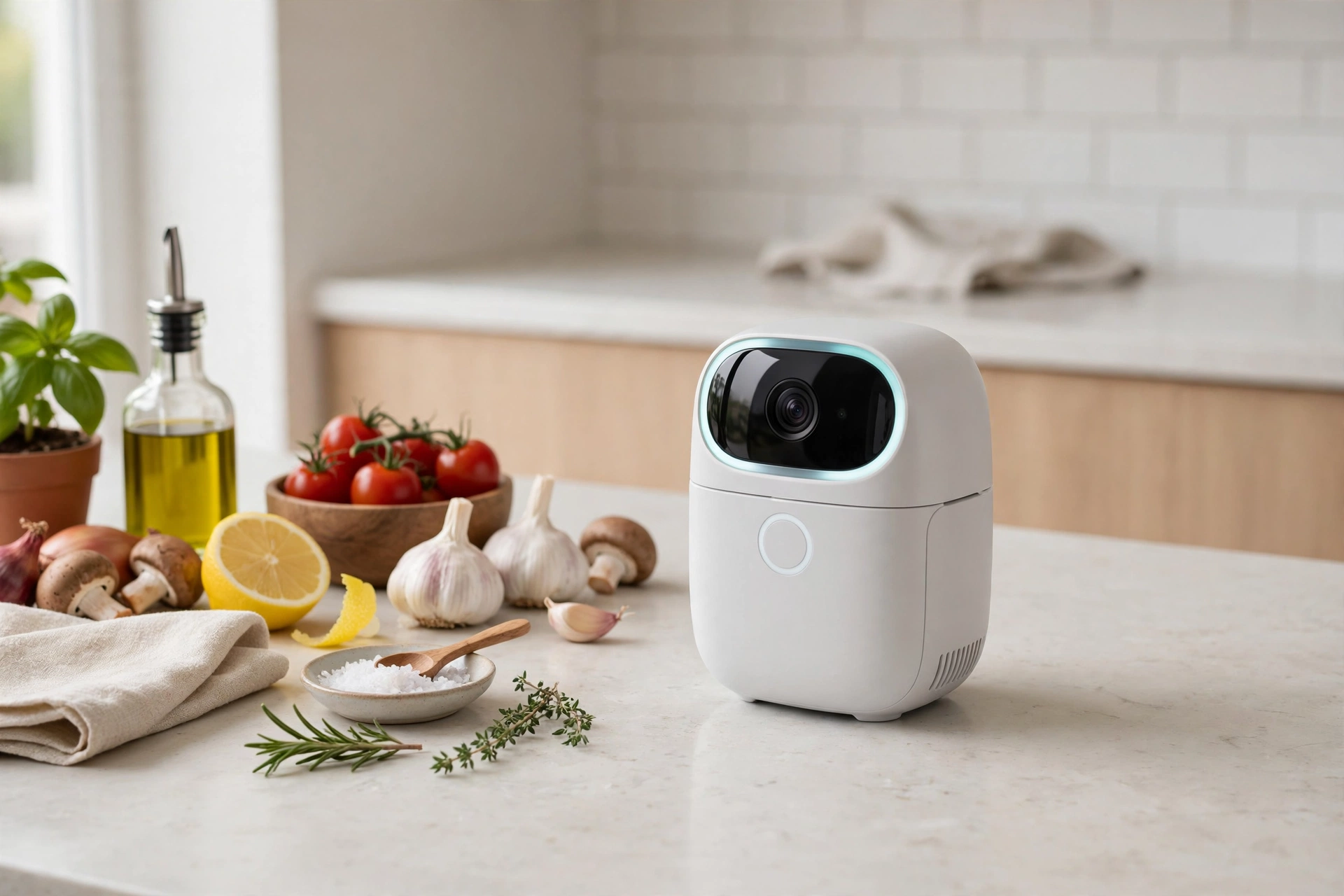
A smart kitchen helper is a countertop device that brings voice control, timers, and recipes into the kitchen. You can set timers by voice while your hands are covered in flour, ask it to convert a measurement, or follow a recipe without touching your phone. It suits people who cook often and want their hands free. Keep it away from the stove and sink, and consider whether you want a camera in the kitchen at all.
Helpful Tips
- Start with one problem, not one brand. Pick the daily annoyance you most want fixed, and choose a device for that job first.
- Choose a platform early. Sticking with one main voice assistant or hub makes later devices easier to add and control together.
- Check compatibility before you buy. Confirm the device works with your platform, your phone, and your home’s wiring or network, and look for Matter support where available.
- Test Wi-Fi where the device will live. A strong signal near your router does not guarantee coverage in a garage, basement, or far bedroom.
- Read the subscription details. Find out which features work without a monthly fee, and which ones, such as video history, need one.
- Protect privacy from the start. Use strong, unique passwords, turn on two-factor authentication where offered, and review what cameras and microphones record.
- Keep manual controls. A light, lock, or blind that cannot be used by hand during an outage will frustrate you sooner or later.
- Add devices gradually. Living with one or two devices for a few weeks tells you far more about what you need next than buying a whole system at once.
Frequently Asked Questions
Q: What is the best first smart-home gadget for a beginner?
A: Start with the job you notice most. A smart speaker hub, a smart plug, or a smart bulb are low-cost, easy to install, and let you learn how routines and voice control work before you spend more.
Q: Do smart-home gadgets work without the internet?
A: It depends on the device. Local control of lights or a lock with a code may keep working, but voice control, remote access, and cloud video usually need an internet connection. Check what each device can do offline before you buy.
Q: Are smart-home devices safe for privacy?
A: They can be, if you set them up carefully. Use strong passwords and two-factor authentication, review privacy settings, limit what cameras and microphones can see and hear, and choose devices that let you delete recordings.
Q: Do I need a hub for smart-home gadgets?
A: Not always. Many Wi-Fi devices work without a separate hub, while others that use Zigbee, Z-Wave, or Thread need one, often built into a smart speaker or display. Check the connection type for each device.
Q: Will smart-home gadgets save me money?
A: Some can help, such as a thermostat that avoids heating an empty house or a sprinkler controller that skips watering after rain, but savings depend on your home, climate, and habits. Treat energy savings as a possible benefit, not a guarantee.
Conclusion
The smart-home gadgets that make everyday life easier are rarely the flashiest ones. They are the lights that turn on before you get home, the lock that secures itself behind you, the thermostat that adjusts while you are out, and the small sensor that warns you about a leak before it becomes a flood. Start with one genuine problem, choose a platform you are comfortable with, and check compatibility, Wi-Fi coverage, subscriptions, and privacy before you buy. Add devices one at a time, and let your home grow smarter at a pace that fits your budget and routine.