
12 Best Smart Glasses in 2026: Features, Uses, and Buying Tips
12 Best Smart Glasses in 2026: Features, Uses, and Buying Tips
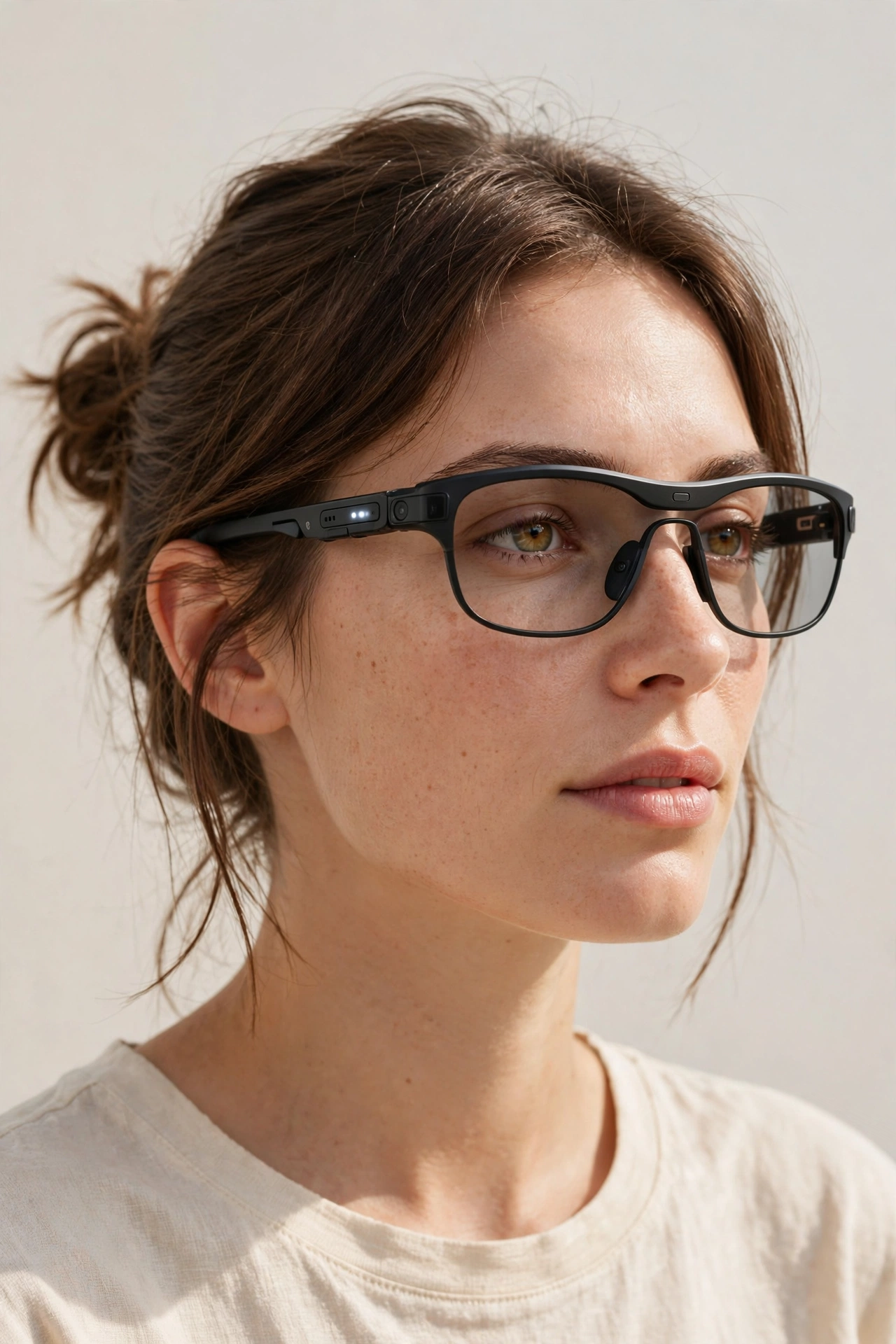
Smart glasses have quietly become one of the most practical wearables you can buy in 2026. The best pair for you is not necessarily the most advanced one. It is the pair that matches how you actually spend your day, whether that means listening to music on a walk, following directions without looking at your phone, or capturing a moment hands-free.
The market now splits into a few clear types. Some focus on sound alone, some add a small display, and others show a large virtual screen. Understanding those differences first will save you from paying for features you may never use.
This guide walks through twelve distinct types, what each one is good for, and what to check before you buy.
- Introduction
- 1. Audio Smart Glasses
- 2. Display and AR Glasses
- 3. Photo and Video Glasses
- 4. Sport and Fitness Glasses
- 5. Prescription-Ready Smart Glasses
- 6. Safety and Work Glasses
- 7. Fashion Everyday Glasses
- 8. Kids-Safe Smart Glasses
- 9. Translation and Travel Glasses
- 10. Fitness Coaching Glasses
- 11. Blue-Light Everyday Glasses
- 12. Outdoor Sunglass Smart Glasses
- Helpful Tips
- Frequently Asked Questions
- Conclusion
1. Audio Smart Glasses
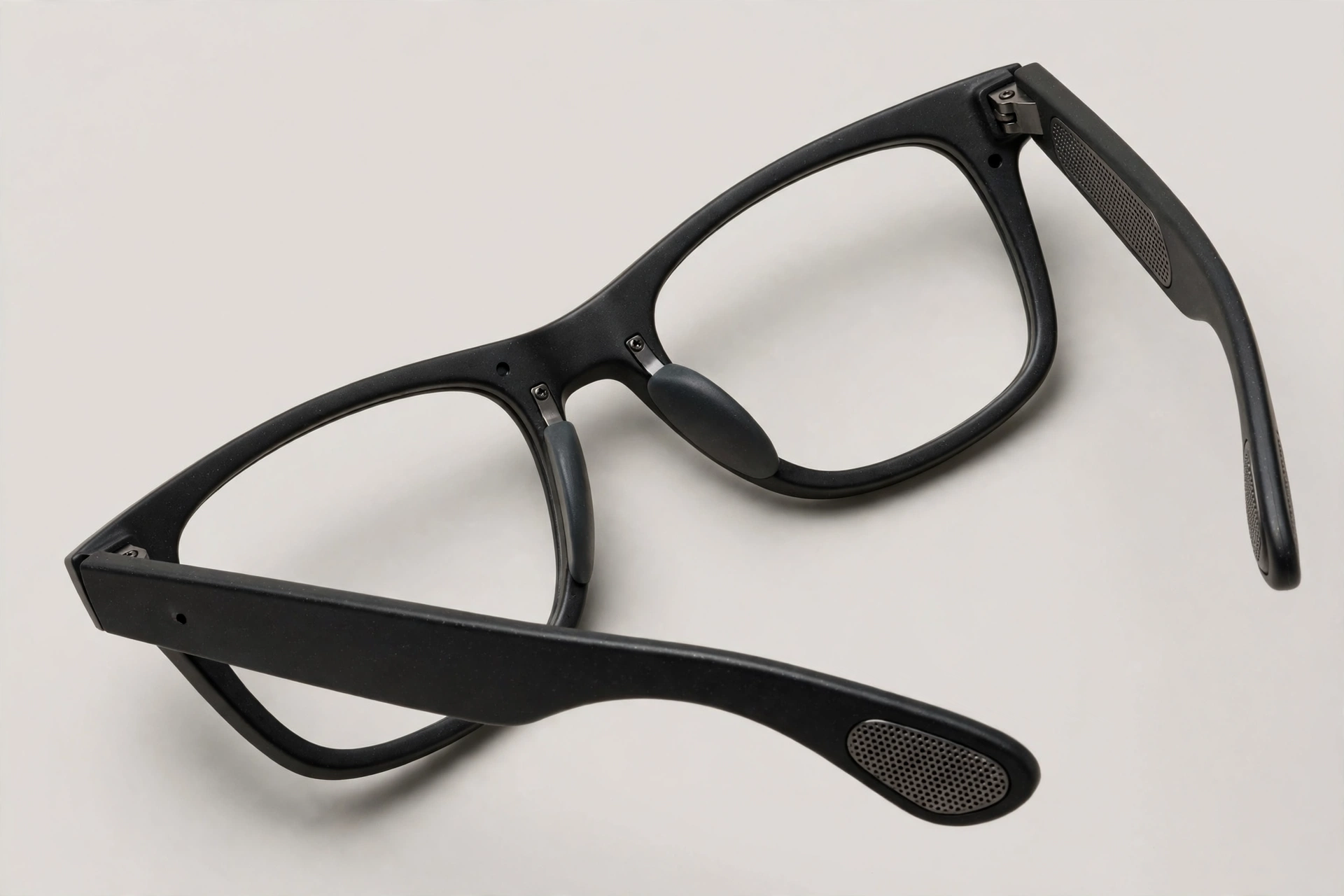
Audio smart glasses put small open-ear speakers and microphones into the arms of the frame. You can listen to music, podcasts, and calls, and talk to a voice assistant, without putting anything in your ears. That makes them a natural choice for walking, commuting, and working around the house, because you can still hear traffic, conversation, and announcements around you.
Look for clear sound at a moderate volume, a secure fit that does not slip, and simple controls you can use without looking. Battery life matters here too, since audio is often used for hours at a time. If you mainly want better sound on the go, it is also worth comparing open-ear listening with our guide to wireless headphones and earbuds, because earbuds may suit you better for focused listening or noisy places.
2. Display and AR Glasses
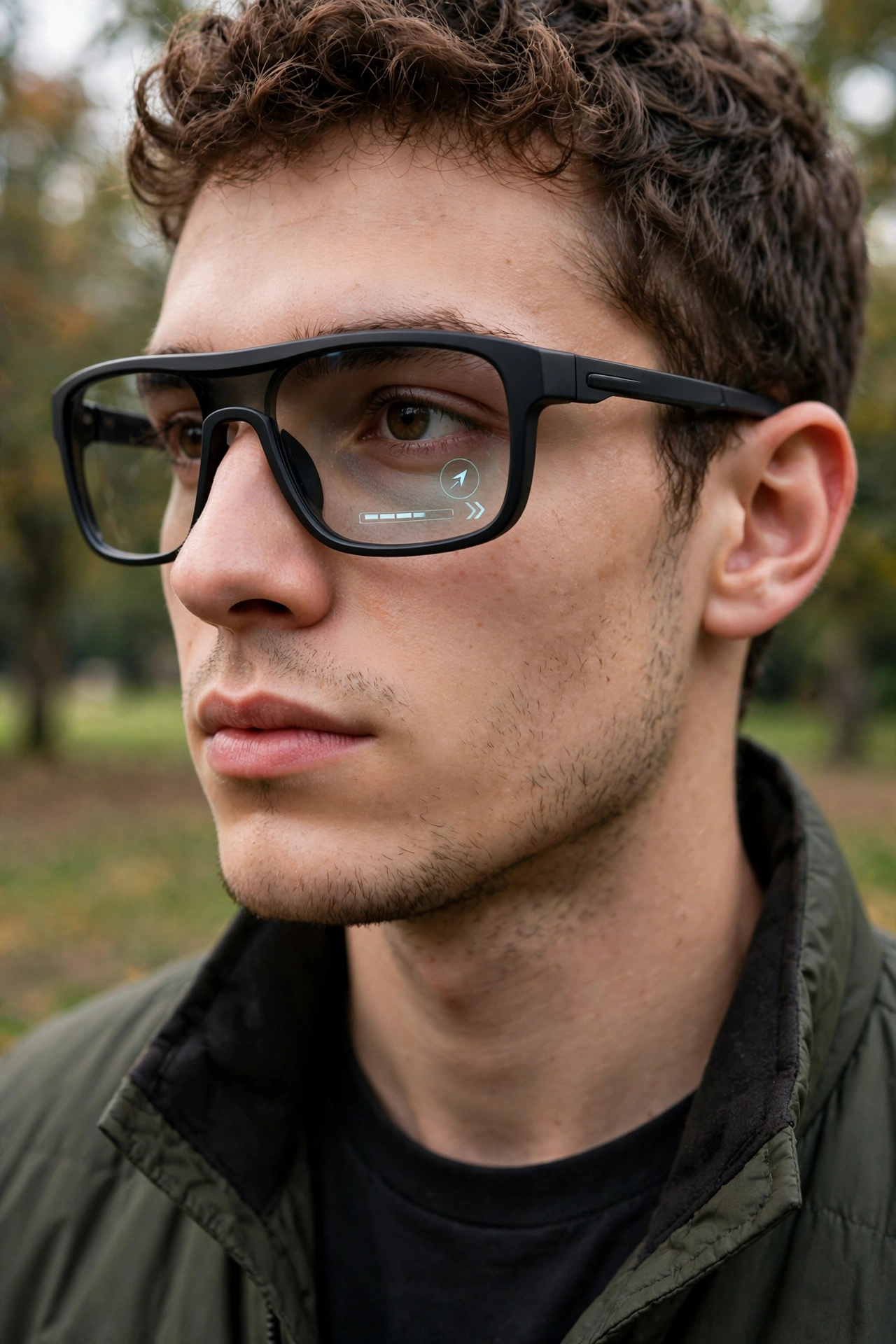
Display and AR glasses add information to your view, from a small heads-up display to a larger virtual screen. A small display is useful for directions, notifications, captions, and short messages at a glance. A larger display is better suited to watching video, gaming, or working with a bigger virtual workspace.
Before buying, check outdoor brightness, how large the visible area feels, and whether the glasses need to stay connected to a phone or computer. Display glasses are often heavier and use more battery than audio-only pairs, so comfort over a full session matters most.
3. Photo and Video Glasses
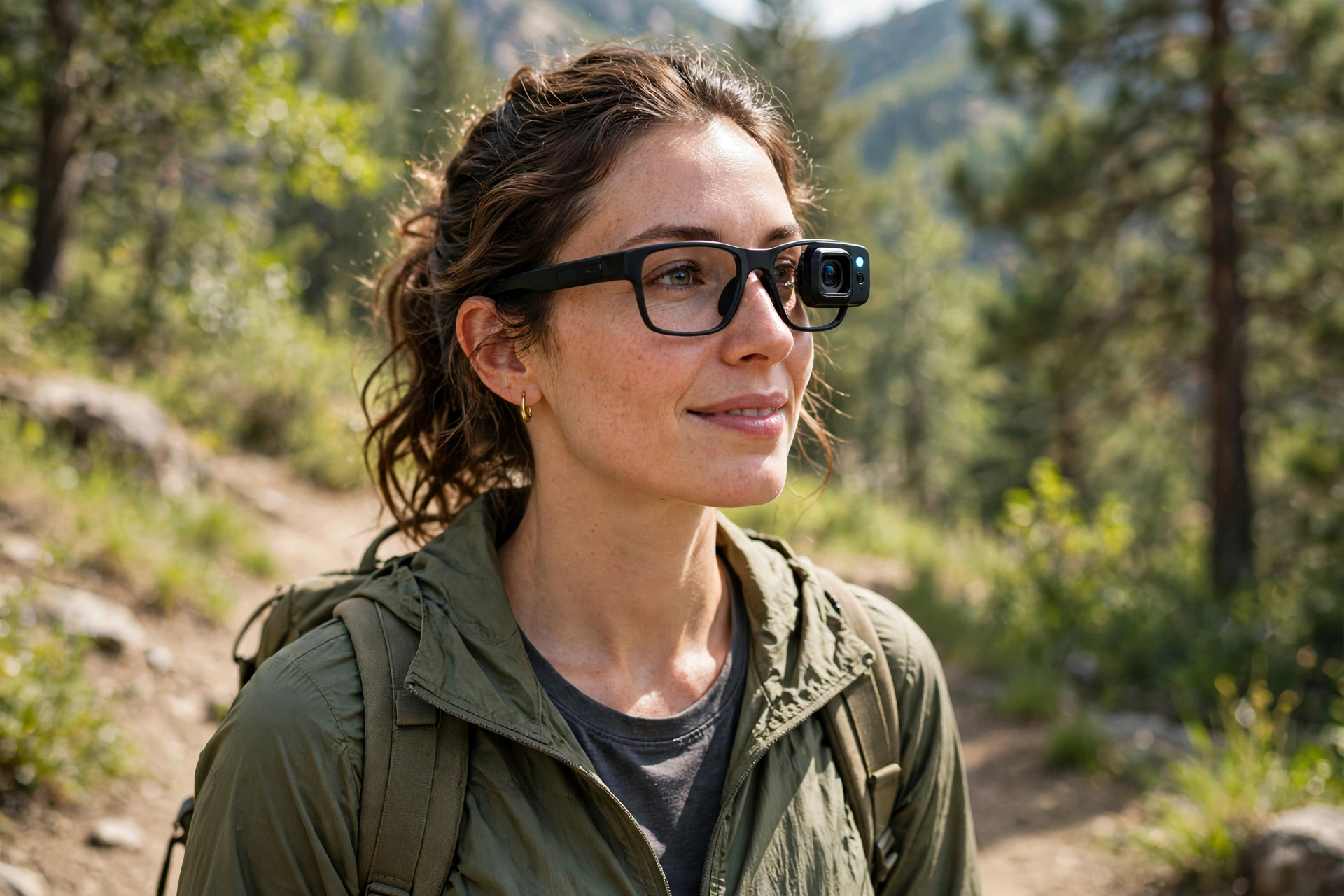
Photo and video glasses carry a small camera in the frame, so you can capture a scene from your own point of view without holding a phone. They suit creators, travelers, and parents who want to record a moment while keeping their hands free, from a walk in the park to a cooking session in the kitchen.
Check how easy it is to start and stop recording, how the glasses signal to people nearby that recording is active, and how clips move to your phone. Be thoughtful about privacy and local rules: do not record where recording is not allowed, and let people around you know when you are filming.
4. Sport and Fitness Glasses
Sport and fitness glasses are built to stay put. They usually have a snug, wraparound fit, grippy nose pads, and frames that can handle sweat and sudden movement. Many add open-ear audio, so runners and cyclists can hear music or directions while staying aware of their surroundings.
Fit is the first test. Try them with the movement you actually do, whether that is running, cycling, or a gym workout, and check that they do not bounce or fog up too quickly. Also check weather resistance and whether the lenses suit bright daylight, shade, or changing light on a long route.

5. Prescription-Ready Smart Glasses
If you wear glasses every day, prescription-ready smart glasses are often the most sensible starting point. These frames are designed to accept prescription lenses, so you do not have to choose between clear vision and smart features. Some use lenses made for the frame, while others use prescription inserts that sit behind the display.
Confirm your exact prescription needs before ordering, including strong prescriptions and progressive lenses. Ask about fitting measurements, returns, and what happens if the lenses need to be remade.
6. Safety and Work Glasses
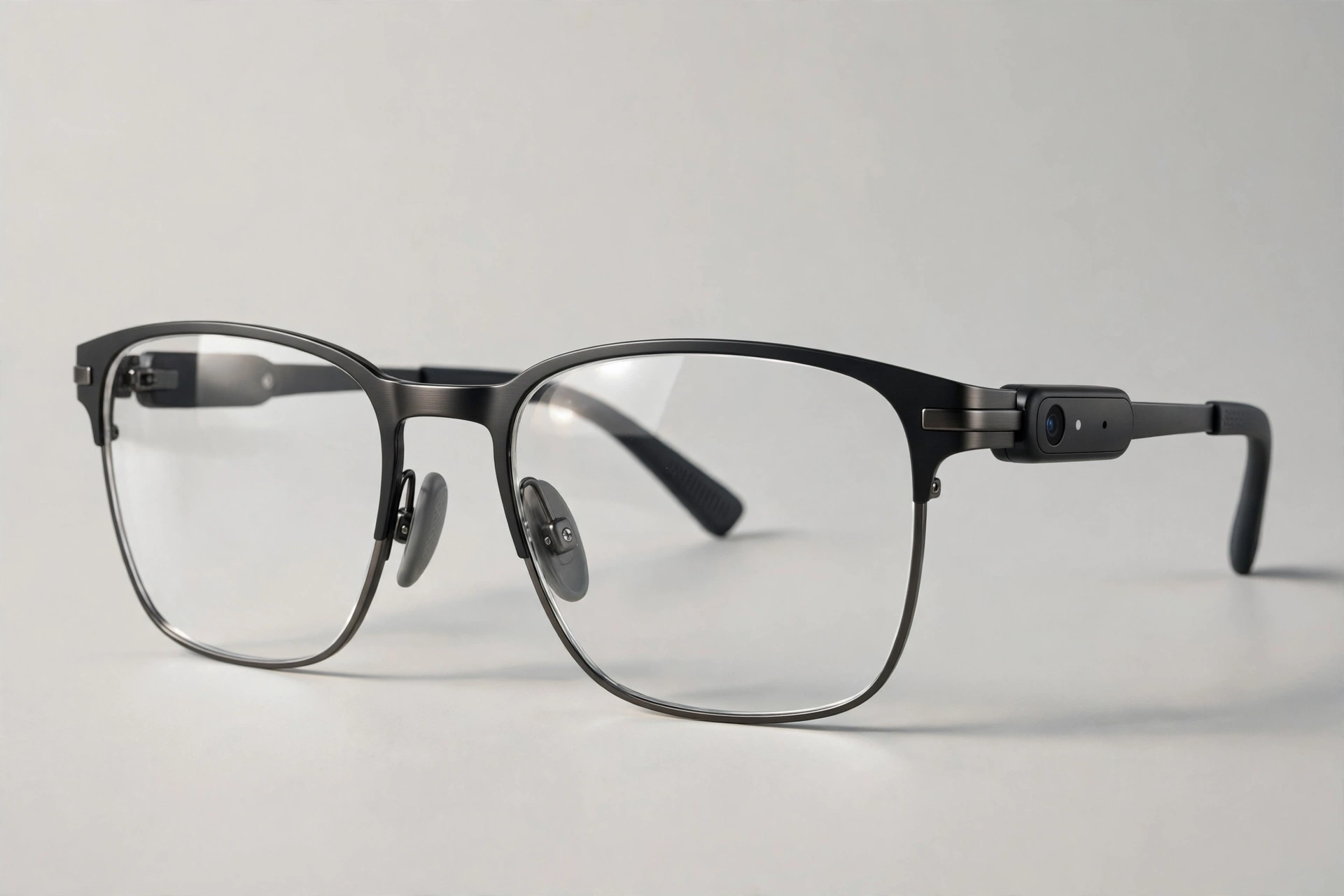
Safety and work glasses combine protective eyewear with hands-free help. They can suit warehouse work, field service, workshops, and other jobs where holding a phone is awkward or unsafe. Features to look for include sturdy frames, clear lenses, voice control, and a display or audio prompt that keeps instructions in view while your hands stay on the task.
Do not assume every smart frame meets a workplace safety standard. Check the protection rating your job requires, whether the glasses work with other safety gear, and whether a camera is allowed in your workplace.

7. Fashion Everyday Glasses
Fashion everyday glasses are made to disappear into your daily look. They resemble ordinary frames, come in more colors and shapes, and keep the technology subtle. They suit people who want smart features for calls, music, and quick voice help, but do not want to look like they are wearing a gadget.
Weight and balance matter most here, because you will wear them for hours. Look for a frame shape that suits your face, solid hinges, and a charging case that fits your bag.

8. Kids-Safe Smart Glasses
Kids-safe smart glasses are a cautious category, and parents should treat them that way. The sensible options focus on simple audio, clear lenses, and sturdy frames for supervised use, rather than cameras or constant connectivity. Look for durable materials, a comfortable fit for a smaller face, and controls a parent can understand and limit.
Before buying any connected glasses for a child, check the age guidance, privacy settings, and whether recording can be switched off entirely. If those controls are not clear, wait for a simpler, non-connected pair.
9. Translation and Travel Glasses
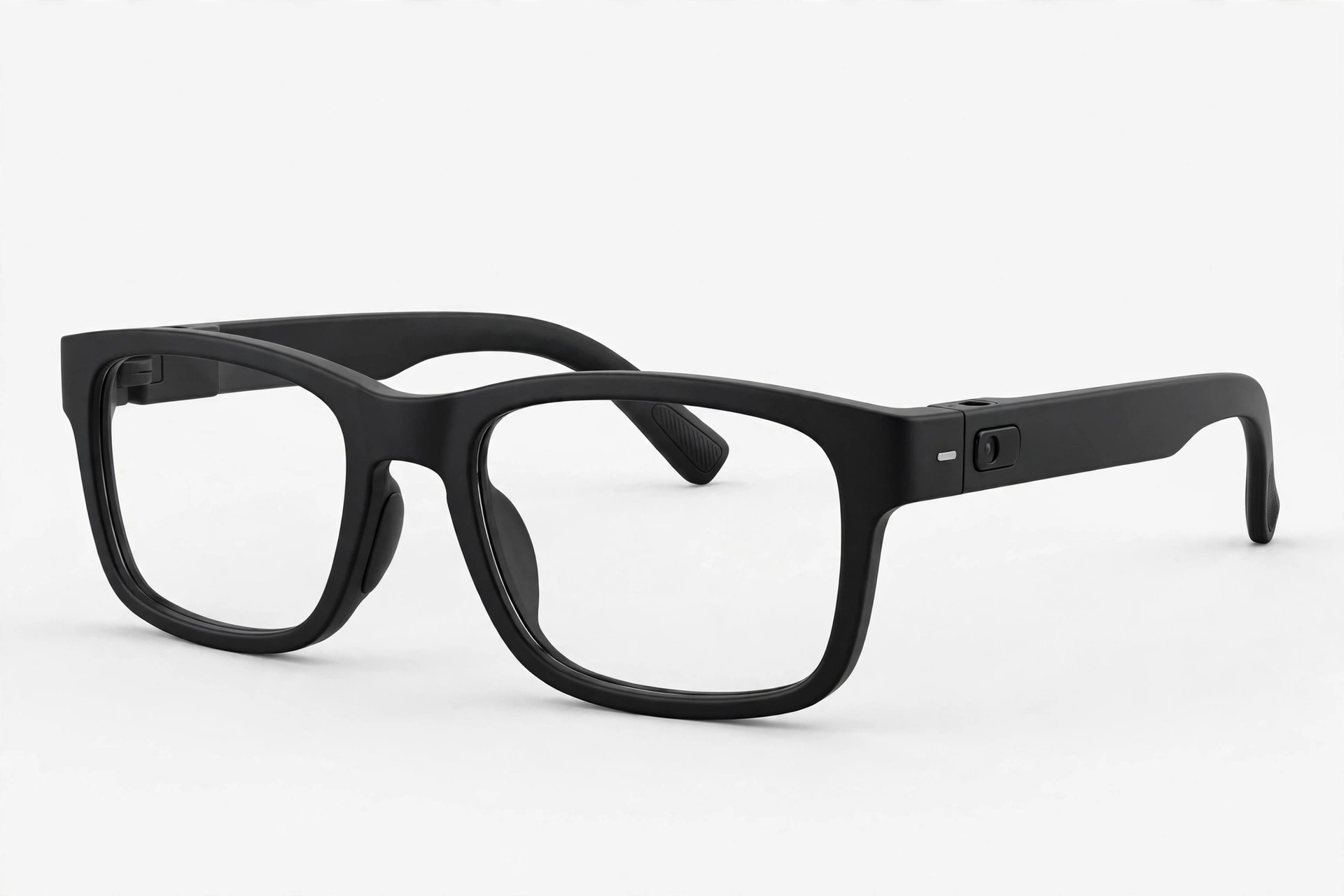
Translation and travel glasses are built around understanding and being understood. Some show translated text or captions in your view, while others use audio and a voice assistant to translate spoken conversation. They can help on trips, at international meetings, and in classrooms where language is a barrier.
Check which languages are supported and whether translation works without a strong connection. No translation tool is perfect, so confirm important details in writing when they matter.

10. Fitness Coaching Glasses
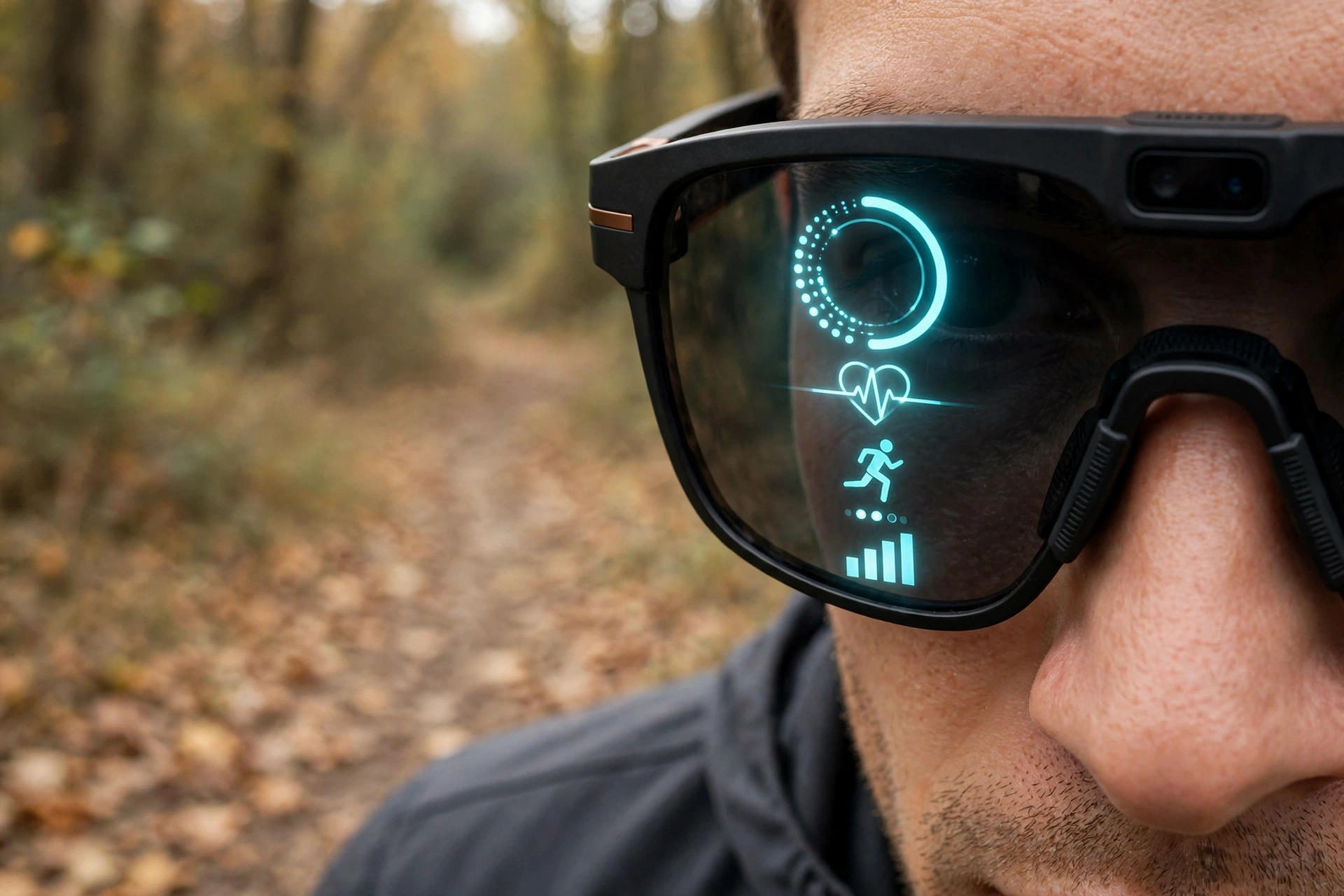
Fitness coaching glasses go a step further than sport glasses by showing live training information in your view. Depending on the design, they may show pace, heart rate, distance, or simple coaching cues, so you do not have to glance at a watch or phone mid-workout.
The key question is whether the data actually helps you, or distracts you. Start with one or two numbers you care about, and test the glasses on a short session before relying on them for a race or a long ride. Also check sensor accuracy, phone compatibility, and whether the display stays readable in bright sun or rain.
11. Blue-Light Everyday Glasses
Blue-light everyday glasses are aimed at people who spend long hours in front of screens. They combine ordinary-looking frames with lenses designed to filter some blue light, and some add audio for calls and music during a workday. They are best thought of as comfortable work glasses first, with smart features as a bonus.
Look for a clear, comfortable lens, a frame that fits well for long desk sessions, and audio that does not leak too much sound to nearby colleagues. Screen breaks and good lighting will do more for eye comfort than any lens alone.

12. Outdoor Sunglass Smart Glasses
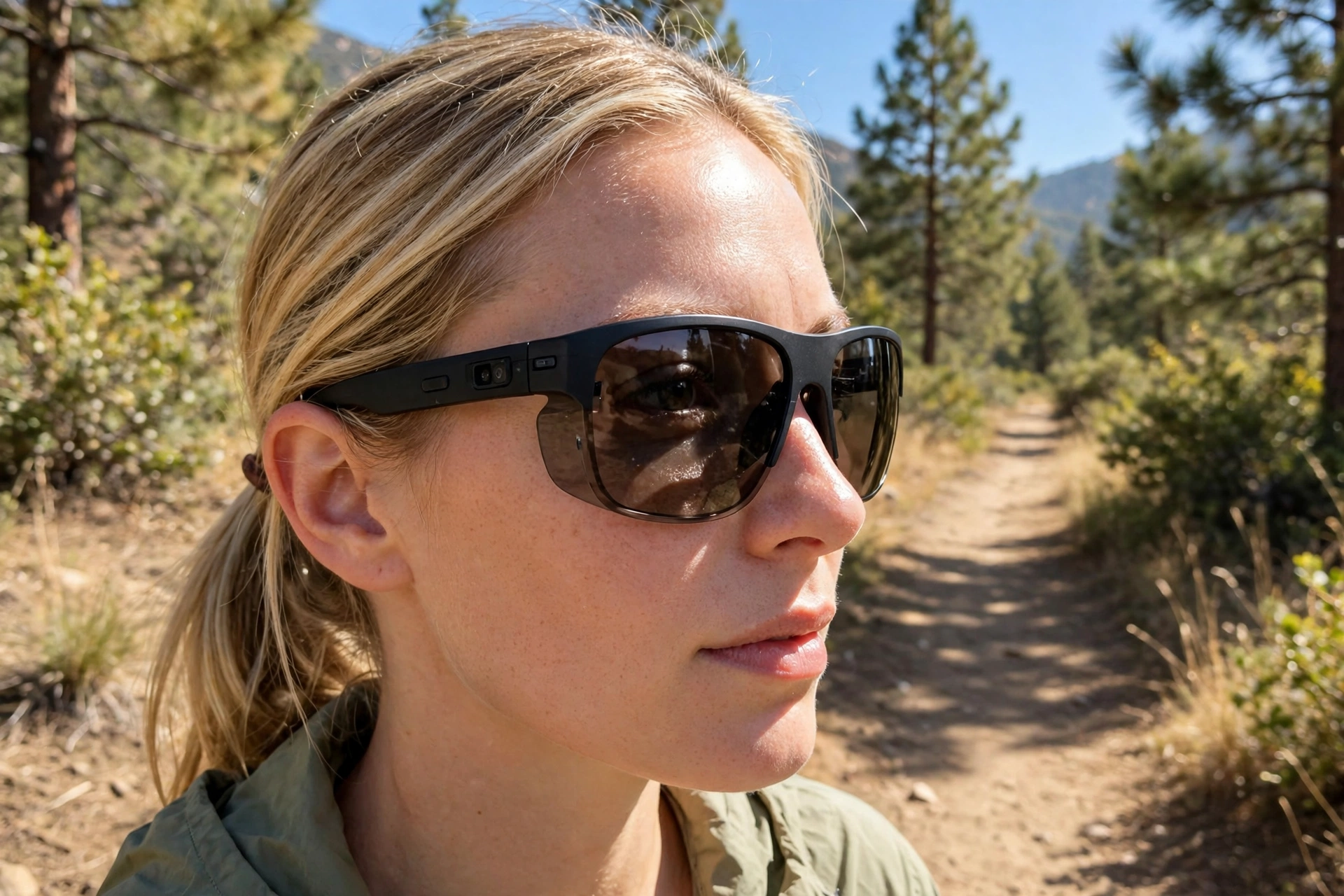
Outdoor sunglass smart glasses combine sun protection with audio, a camera, or a small display. They suit hiking, fishing, driving, and days at the beach, where regular glasses are not enough and earbuds can feel fiddly. Polarized or tinted lenses, a secure fit, and water resistance are usually more important than extra features.
Check the lens category for bright sun, whether the frames float or sink if dropped in water, and how the electronics handle heat and dust. A charging case that protects the glasses in a backpack is also worth checking, since outdoor pairs take more knocks than desk pairs.
Helpful Tips
- Start with your main use, not the longest feature list. Pick the one thing you will do every day, then choose the type built for it.
- Try the fit before you trust the specs. Weight, balance, nose pads, and temple pressure matter more over a full day than a short demo.
- Check prescription support early. Confirm lens options, fitting measurements, and return rules before you order, especially for strong or progressive prescriptions.
- Plan for real battery life. Audio use, cameras, and displays drain power at very different rates, so think about your longest day, not just the headline figure.
- Respect privacy and recording rules. Look for a clear recording indicator, learn how to switch the camera off, and never record where it is not allowed.
- Keep your phone in the picture. Most smart glasses work best as a companion to your phone, so check app support and compatibility before you buy.
Frequently Asked Questions
Q: Do smart glasses work without a phone?
A: Most smart glasses are designed to work with a phone for calls, apps, maps, and voice assistance. Some display glasses also connect to a laptop or console for video. Check what your chosen pair needs before you buy, because standalone use is still limited.
Q: Can I wear smart glasses if I need prescription lenses?
A: Often yes, but the method varies. Some frames accept custom prescription lenses, while display glasses may use inserts. Confirm your prescription range, fitting measurements, and remake policy with an optical provider before ordering.
Q: Are smart glasses safe for cycling or running?
A: Open-ear audio can help you stay aware of traffic, but no wearable replaces good judgment. Keep the volume low enough to hear your surroundings, secure the fit, and follow local rules about audio devices while riding or running.
Q: How long do smart glasses last on one charge?
A: It depends on the type. Audio-only glasses usually last longest, while camera and display use drains power faster. A charging case helps a lot, so check both the glasses and the case when you compare battery life.
Q: Should I worry about privacy with camera glasses?
A: Yes, in a thoughtful way. Look for a visible recording indicator, learn the camera controls, and respect the people around you. Avoid recording in private spaces, follow local rules, and switch the camera off when you do not need it.
Conclusion
Smart glasses in 2026 are no longer one product trying to do everything. They are a family of tools, each with a clear strength. Audio glasses keep you connected without blocking your ears. Display glasses put useful information in view. Camera glasses capture life hands-free. Sport, work, travel, and everyday pairs each solve a different problem.
The right choice starts with an honest look at your day. Choose the type that fits your main use, confirm prescription and fit early, and check battery life and privacy controls before you commit.
Pingback: 12 Best Wearable Tech Gadgets to Watch in 2026 | Mereio